Dexcom G5 Mobile System User Guide
72Set up Your Display Devices
(Continued from previous page)
Step What you see What you do
Time/Date
4c
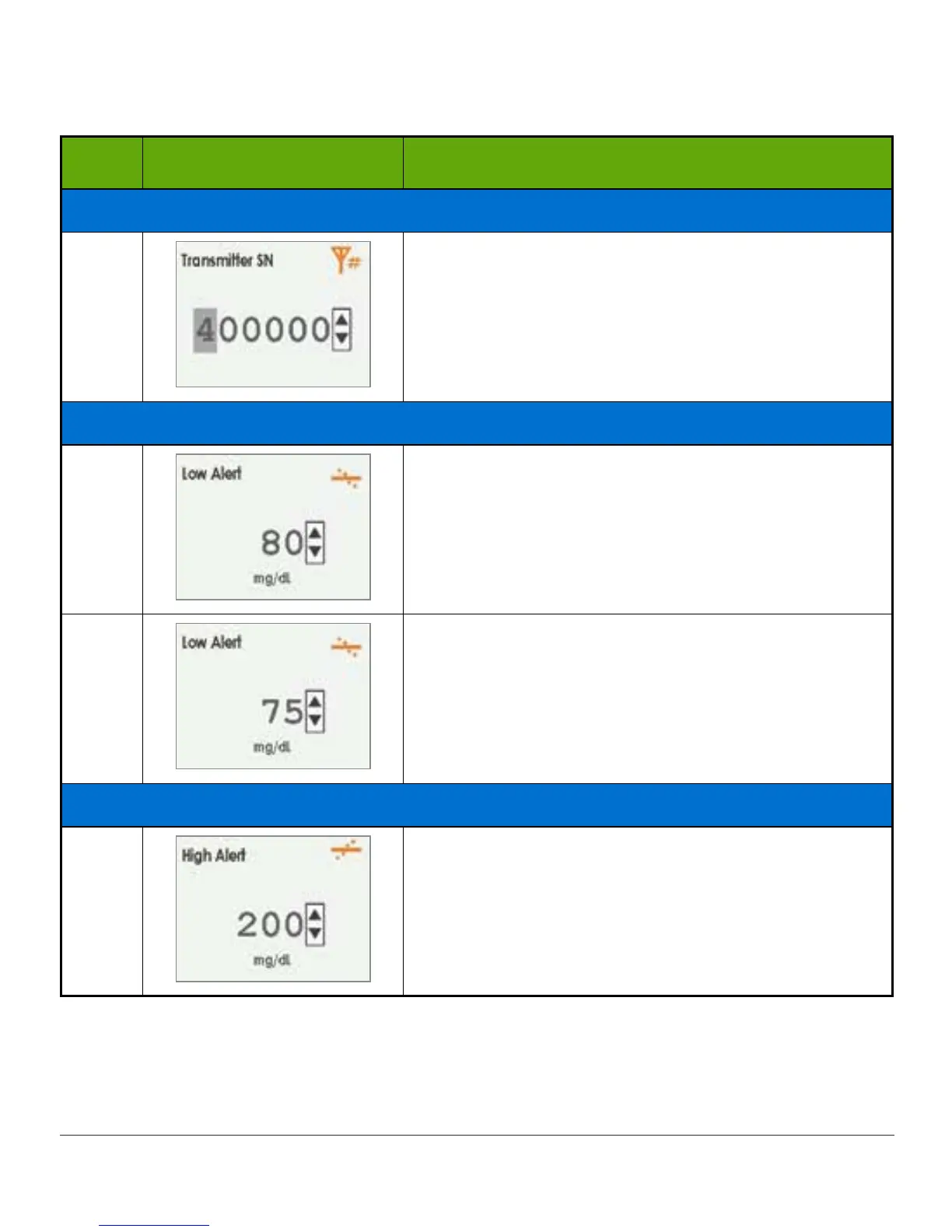
Press up/down arrows to select and enter
transmitter SN.
Press right arrow to move to next digit.
Press select button to save and close.
Setting Low Alert
5a
System default is set at 80 mg/dL.
Press select button to save at present levels and
close.
5b
To change value:
Press up/down arrows to change value at 5 mg/dL
increments.
Press select button to save and close.
Setting High Alert
6a
System default is set at 200 mg/dL.
Press select button to save at present levels and
close.
(Continued on next page)



 To Next Page