Dexcom G5 Mobile System User Guide
80Starting a Sensor Session: Inserting Sensor, Transmitter, and Starting Your Session
3. Safety Lock
6. Collar
7. Sensor Pod
2. Adhesive Patch
9. Release Tab
8. Transmitter Latch
5. Applicator
Barrel (contains
small introducer
needle and sensor)
4. Plunger
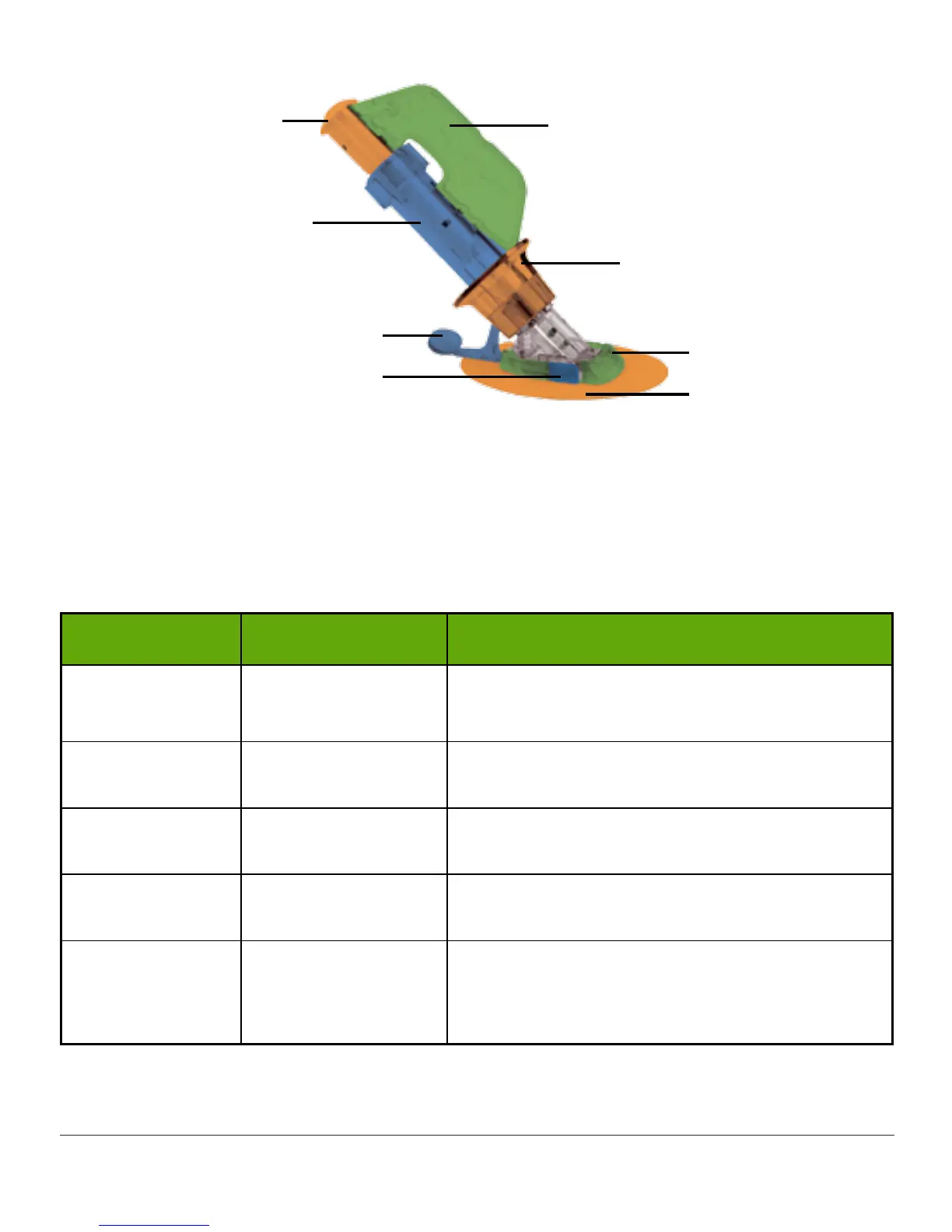
Figure 3. Dexcom G5 Sensor Applicator and Pod
The following table reviews the sensor applicator components in order of use.
Applicator Components
Order of use Name What it does
1 Sensor Pouch
Sterilized for your protection.
Open to remove applicator and sensor.
2 Adhesive Patch
Holds the sensor/transmitter in place on your
skin.
3 Safety Lock
Prevents plunger from inserting sensor until
you are ready.
4 Plunger Inserts sensor wire into your body.
5 Applicator Barrel
Contains small insertion needle and sensor
wire.
Disposable, for single use only.
(Continued on next page)



 To Next Page