Dexcom G5 Mobile System User Guide
81Starting a Sensor Session: Inserting Sensor, Transmitter, and Starting Your Session
(Continued from previous page)
Order of use Name What it does
6 Collar
Collar removes insertion needle.
Helps remove applicator barrel once sensor
wire is inserted.
7 Sensor Pod
Holds sensor wire in place under skin.
Holds transmitter.
8 Transmitter Latch Locks transmitter into sensor pod.
9 Release Tab
Allows you to remove applicator barrel from
sensor pod.
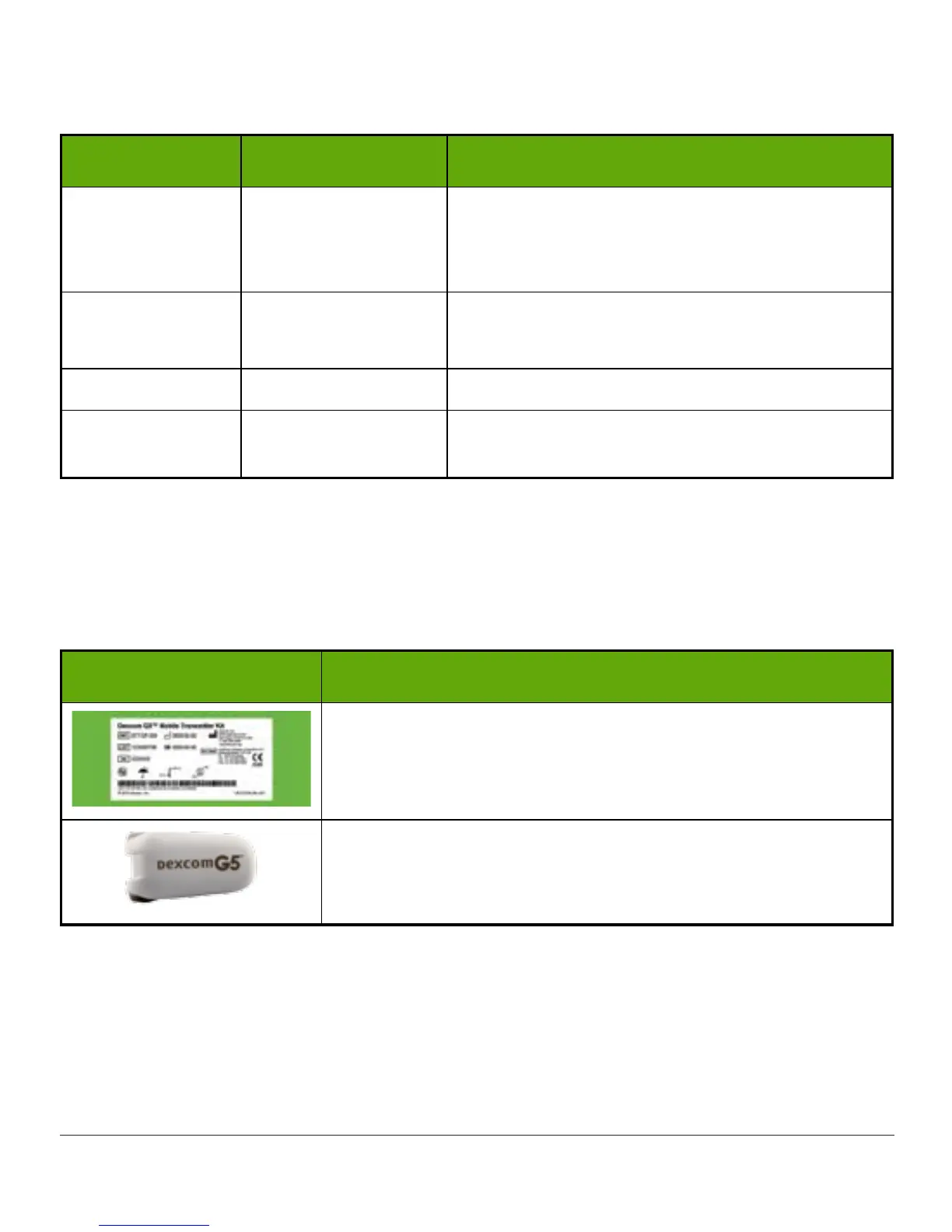
Transmitter
Transmitter Box
What you see What it is
Bottom of box with important label information.
Keep box until transmitter battery dies.
Reusable transmitter.
Please Note: Picture is representative only; your transmitter
may look different.
In the previous chapter, you entered your transmitter SN into your display devices and made
sure your smart device and/or receiver connected with the transmitter. You won’t be able to
start a sensor session if your transmitter isn’t paired with your receiver and/or smart device.
Not included in packages:
• Alcohol wipes



 To Next Page