Dexcom G5 Mobile System User Guide
85Starting a Sensor Session: Inserting Sensor, Transmitter, and Starting Your Session
(Continued from previous page)
Step Picture What you do
Preparation
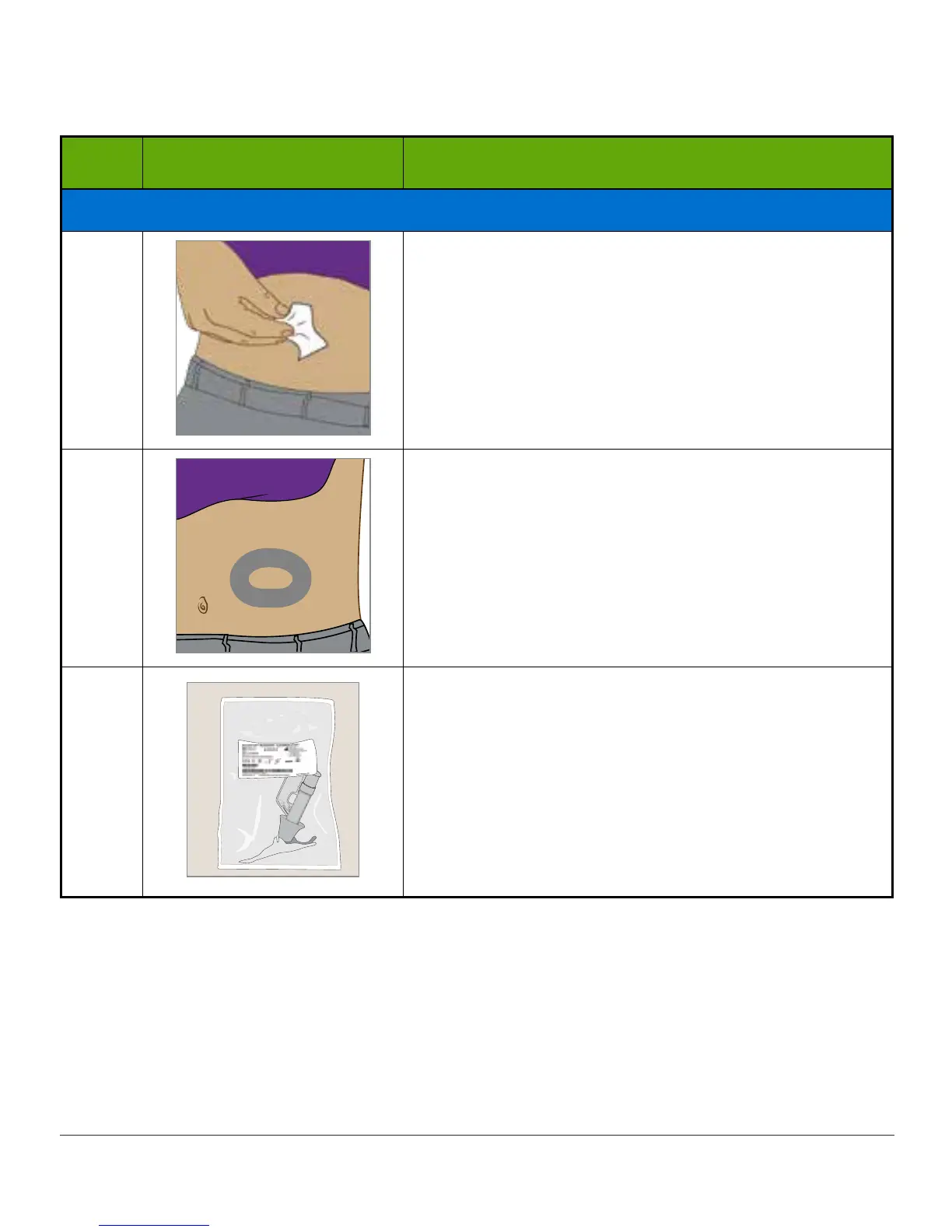
2
Clean insertion site with alcohol wipe.
Let dry.
3
Optional Step: Skin Adhesive
• Create an empty sideways oval on the skin
• Do not get any skin adhesive inside the oval
• Let skin adhesive dry (see manufacturer’s
instructions)
• Insert sensor on clean skin in center of oval
4
Check pouch: Is it damaged or already opened? If
yes, do not use.
Remove sensor applicator from sterile pouch.
Closely inspect sensor, check it has not been
damaged. If yes, do not use.
Keep sensor packaging until sensor session is
complete.
(Continued on next page)



 To Next Page