Dexcom G5 Mobile System User Guide
86Starting a Sensor Session: Inserting Sensor, Transmitter, and Starting Your Session
(Continued from previous page)
Step Picture What you do
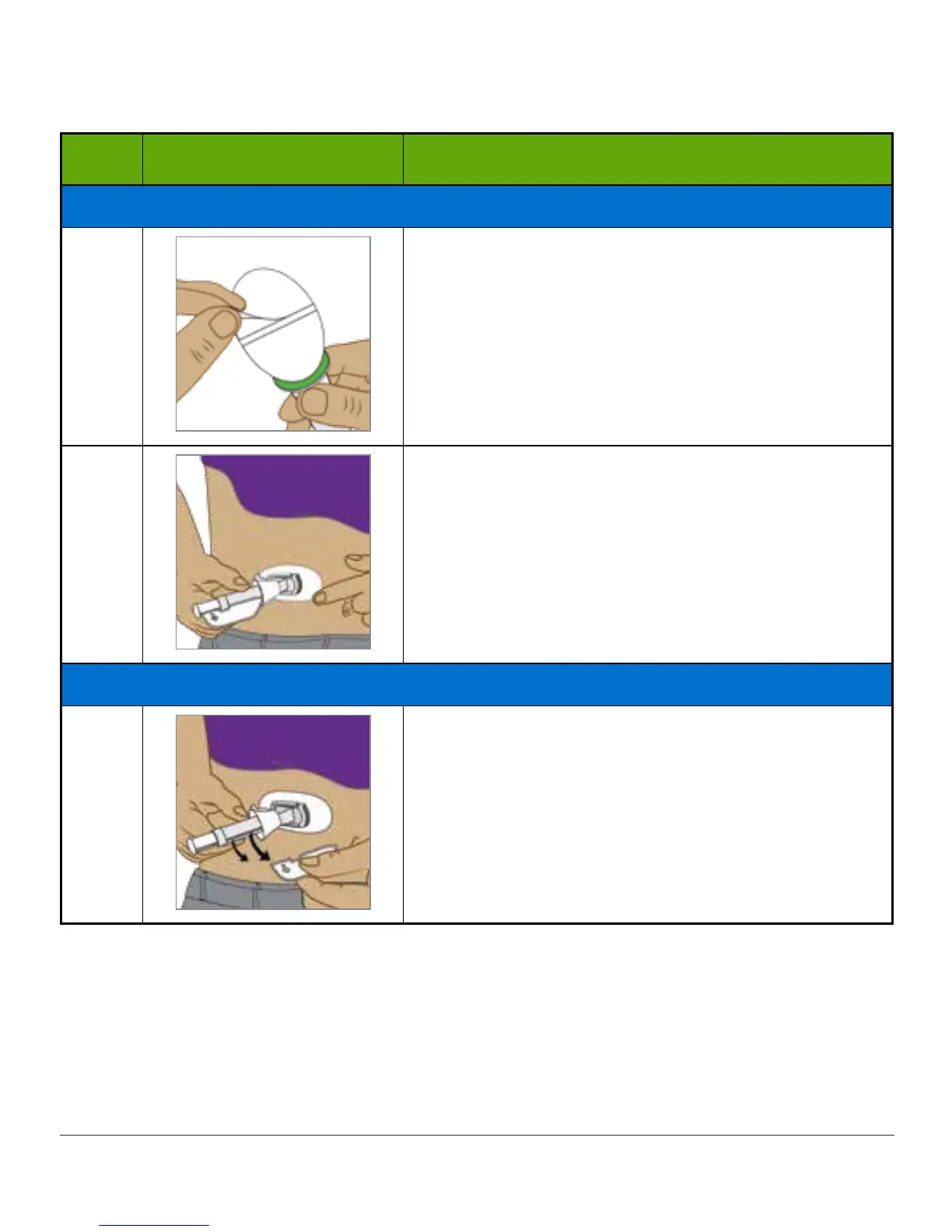
Attaching Sensor Pod
5
Pull off adhesive backing tabs.
Don’t touch sticky adhesive patch.
6
Place sensor horizontally, not vertically, on skin.
Move fingers around top of adhesive patch several
times to secure tape.
Inserting Sensor Wire
7
Hold applicator barrel.
Pull out safety lock.
(Continued on next page)



 To Next Page