Dexcom G5 Mobile System User Guide
88Starting a Sensor Session: Inserting Sensor, Transmitter, and Starting Your Session
(Continued from previous page)
Step Picture What you do
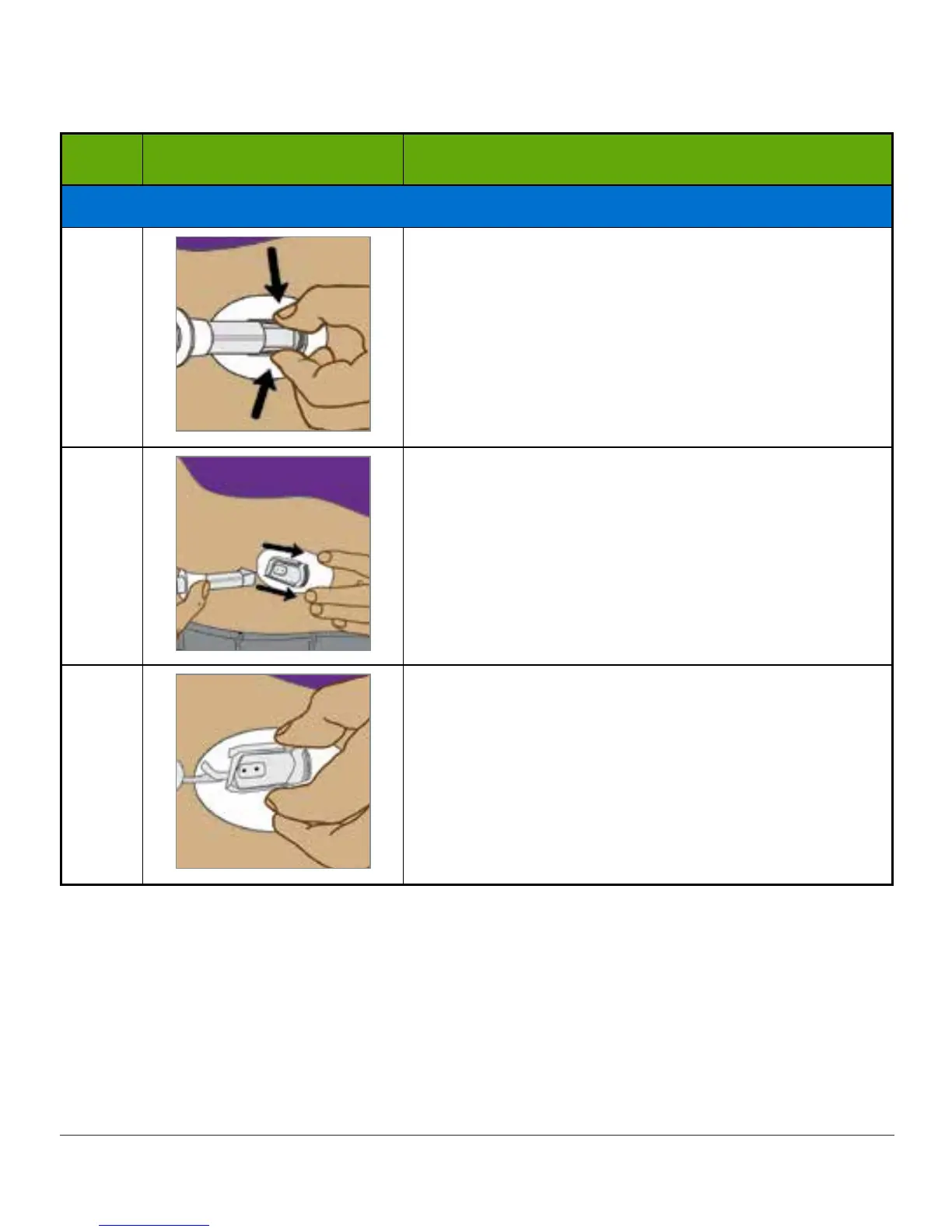
Removing Applicator Barrel and Collar
11
Hold transmitter latch down against your body.
Squeeze ribbed release tabs on the sides of sensor
pod.
12a
Move applicator barrel forward and out, away from
your body.
Follow local ordinances when disposing the
applicator.
12b
What's left?
1. Sensor pod
2. Transmitter latch
You have successfully inserted the sensor!
At this point, you should have two items attached to your belly or upper buttocks:
1. Sensor pod
2. Transmitter latch



 To Next Page