Dexcom G6
®
System User Guide
100Chapter 7: Calibrate
App: Calibration
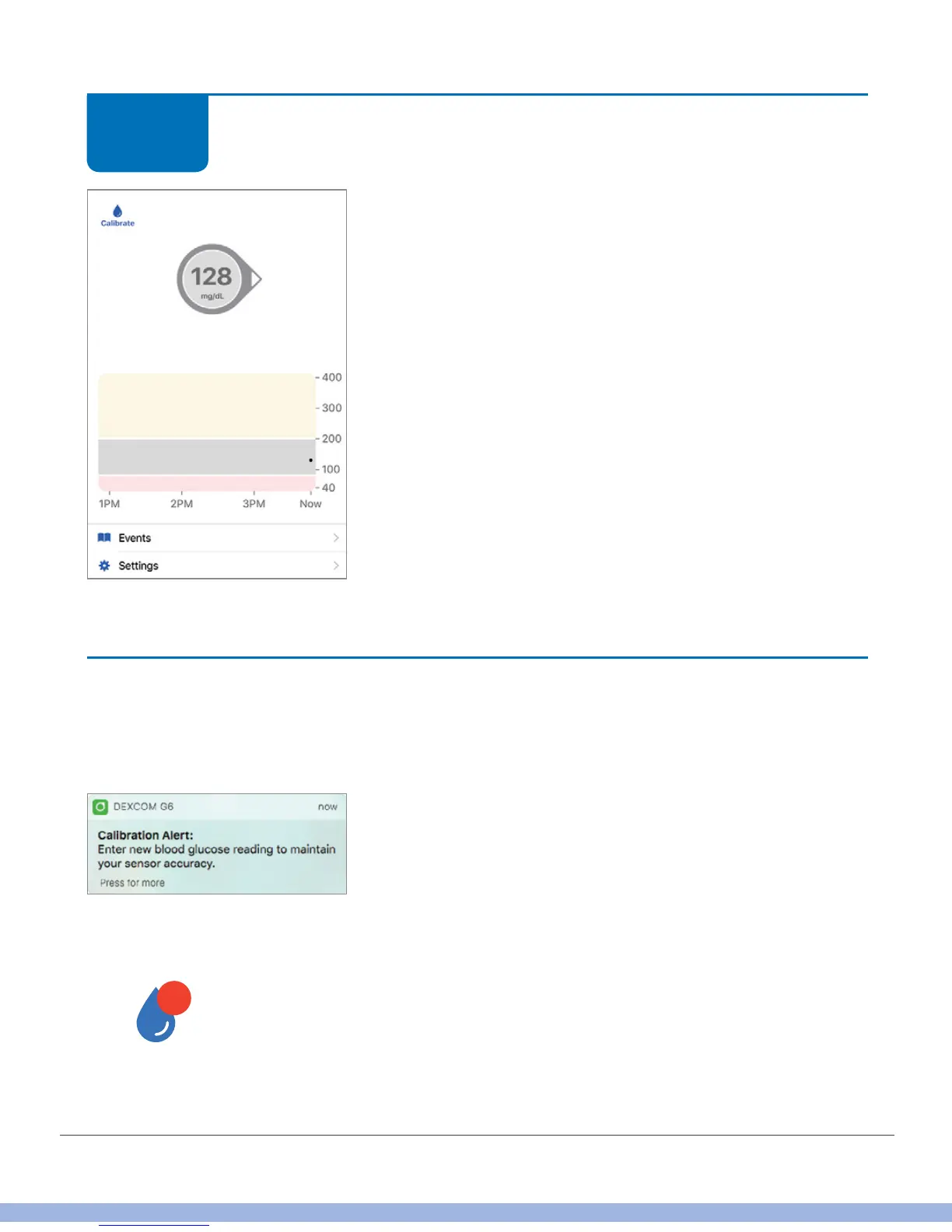
You get your first G6 readings after you enter your
initial calibrations. Look for the number in the circle
above the graph and dots on your trend graph. Each dot
represents a single G6 reading taken every 5 minutes.
Finished!
Twelve hours from now, 12 hours after that, and then every 24 hours for the rest of
your sensor session, you’ll be notified to calibrate:
App Notification
App
STEP
8 of 8



 To Next Page