Dexcom G6
®
System User Guide
250Chapter 14: Troubleshooting
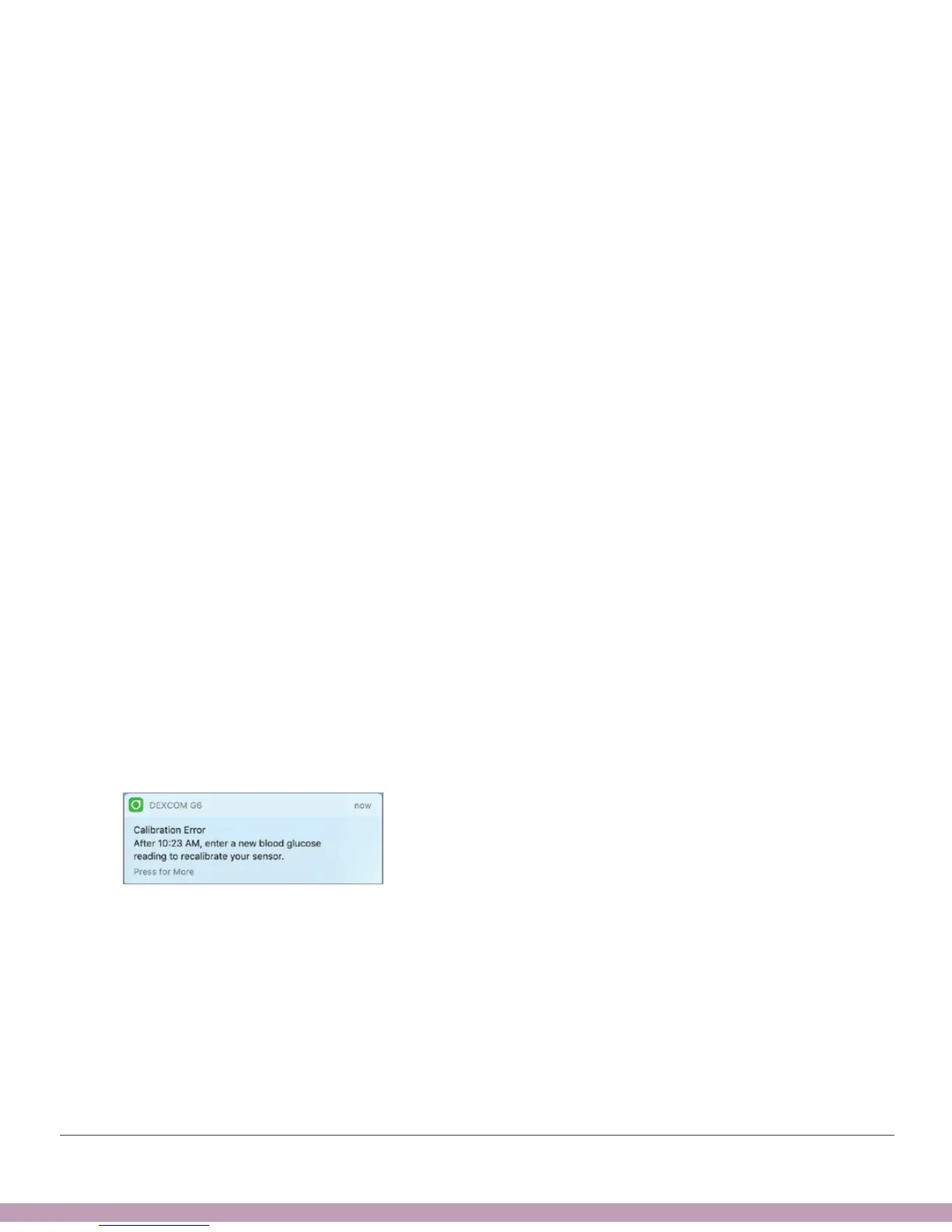
14.6 Recalibration Alert
Problem
• System didn’t accept calibration
Solution
• Use your meter. No alarm/alerts or G6 readings until fixed.
• Follow instructions on screen. It asks you to recalibrate in 15 minutes.
• For more information:
• See Chapter 7.
• App: Tap Help.
• Receiver:
• If you calibrate again and still get this error, enter one more meter value.
• Wait 15 minutes.
• If no G6 readings appear on the display, the sensor needs to be replaced.
Contact Technical Support (available 24/7) at:
• TechSupport@dexcom.com
• Toll free: 1.888.738.3646
• Toll: 1.858.200.0200)
App Notification



 To Next Page