Dexcom G6
®
System User Guide
66Chapter 5: Set Up Your Display Devices
Receiver: Setup
The next screens tell you about your alarm/alerts.
After reading each screen, tap Next.
Receiver: Setup
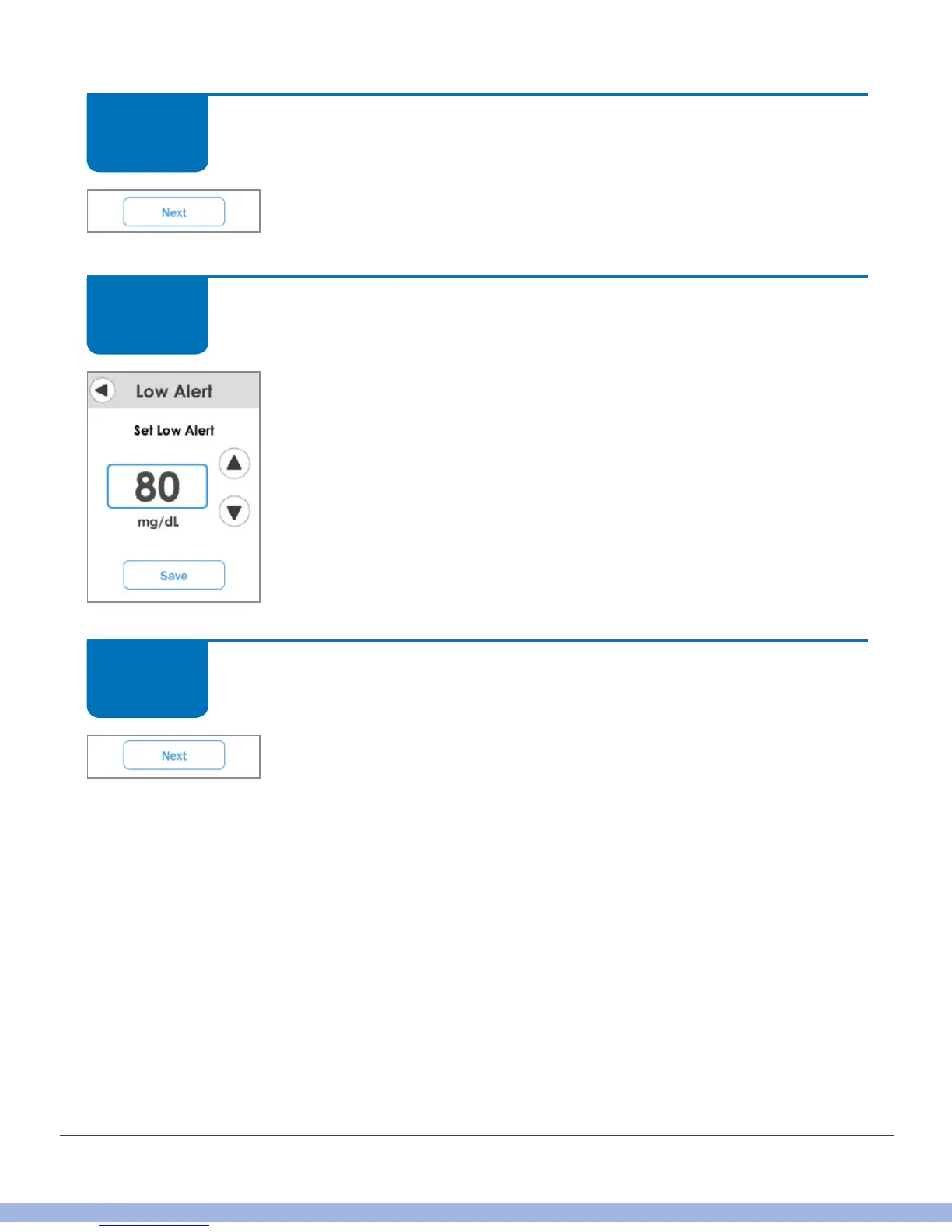
Set your Low and High alerts using levels you’ve discussed with
your HCP. The Low Alert default is 80 mg/dL; High is 200 mg/dL.
Tap the up/down arrows to change the level. Tap Save.
Receiver: Setup
Enter your transmitter serial number.
Tap Next.
STEP
5 of 11
STEP
6 of 11
STEP
7 of 11



 To Next Page