Dexcom G6
®
System User Guide
101Chapter 7: Calibrate
If you didn’t enter the sensor code, the red circle on the Calibrate icon reminds you to
calibrate once every 24 hours.
When notified to calibrate:
Tap Calibrate.
Repeat steps 1-5
Receiver: Calibration
If you didn’t enter a sensor code, either tap the calibration icon or go to Menu >
Calibrations.
If you entered a sensor code, there is no Calibration icon. If you choose to calibrate,
go to Menu > Calibration to calibrate.
Receiver: Calibration
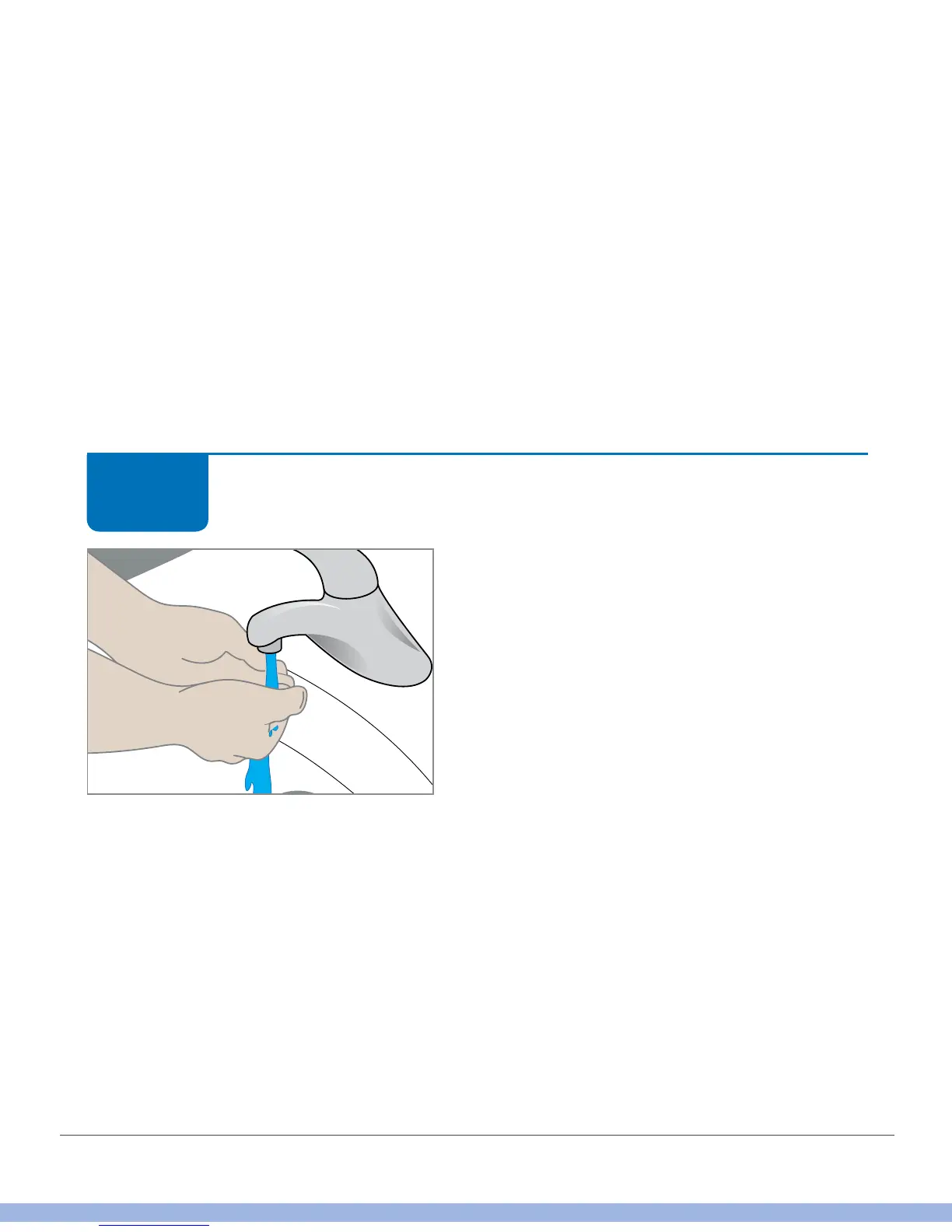
Thoroughly wash and dry your hands with
soap and water, not gel cleaners.
STEP
1 of 9



 To Next Page