Dexcom G6
®
System User Guide
171Chapter 10: Alarm and Alerts
App: Set Up Alert Schedule
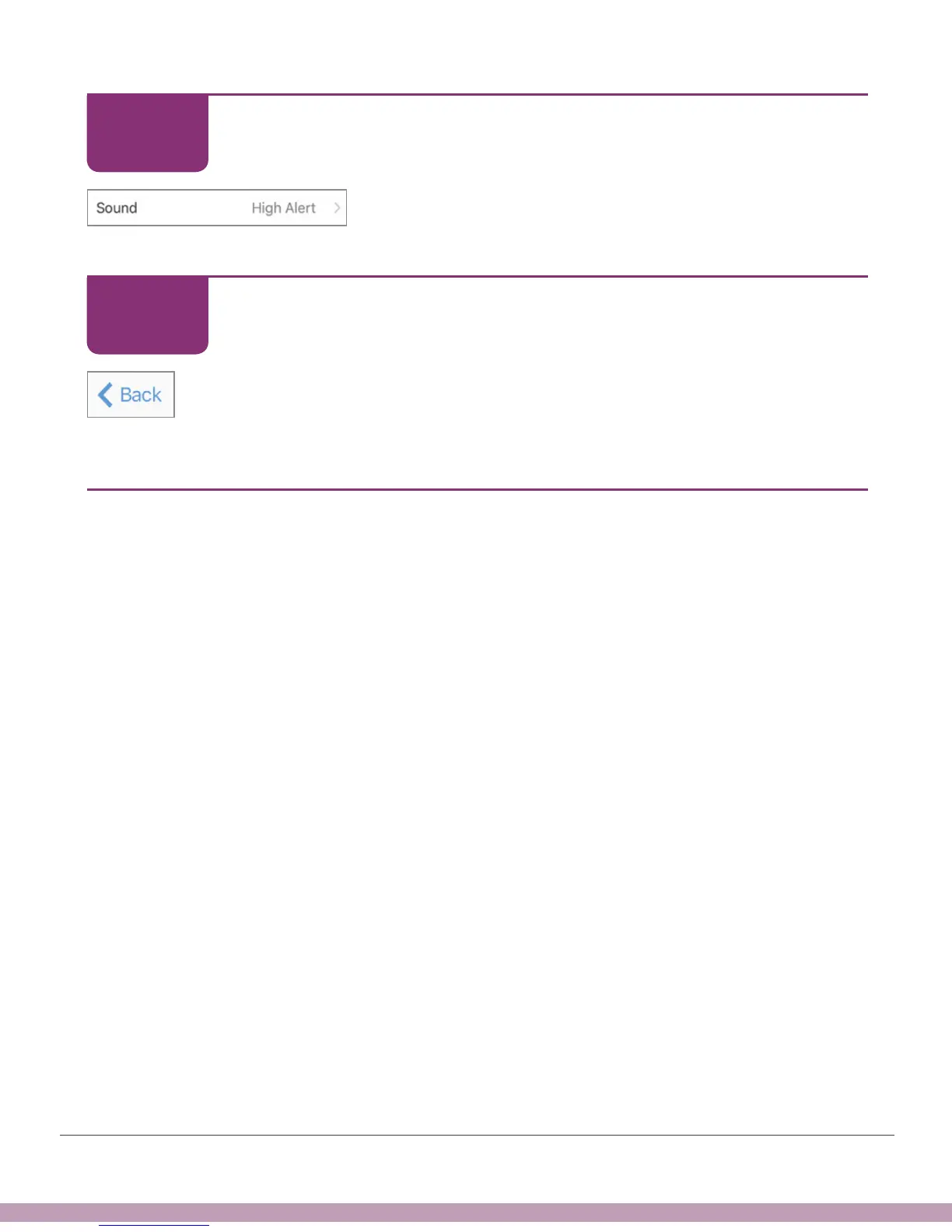
Your scheduled High Alert will sound.
App: Set Up Alert Schedule
Tap Back until you see the home screen.
Finished!
10.10 What Was Covered and What’s Coming
Now You Can:
• Define alarm and alerts
• Recognize different alarm/alerts
• Turn alerts on and off
• Describe what to do when you get a Signal Loss Alert
• Confirm an alert on your app and receiver
• Customize your alerts on your app and receiver
• Adjust your alert sounds
• Use Repeat to avoid insulin stacking
What’s Next?
• Next we’ll talk about how to use your G6 to make treatment decisions.
STEP
13 of 14
STEP
14 of 14



 To Next Page