Dexcom G6
®
System User Guide
170Chapter 10: Alarm and Alerts
App: Set Up Alert Schedule
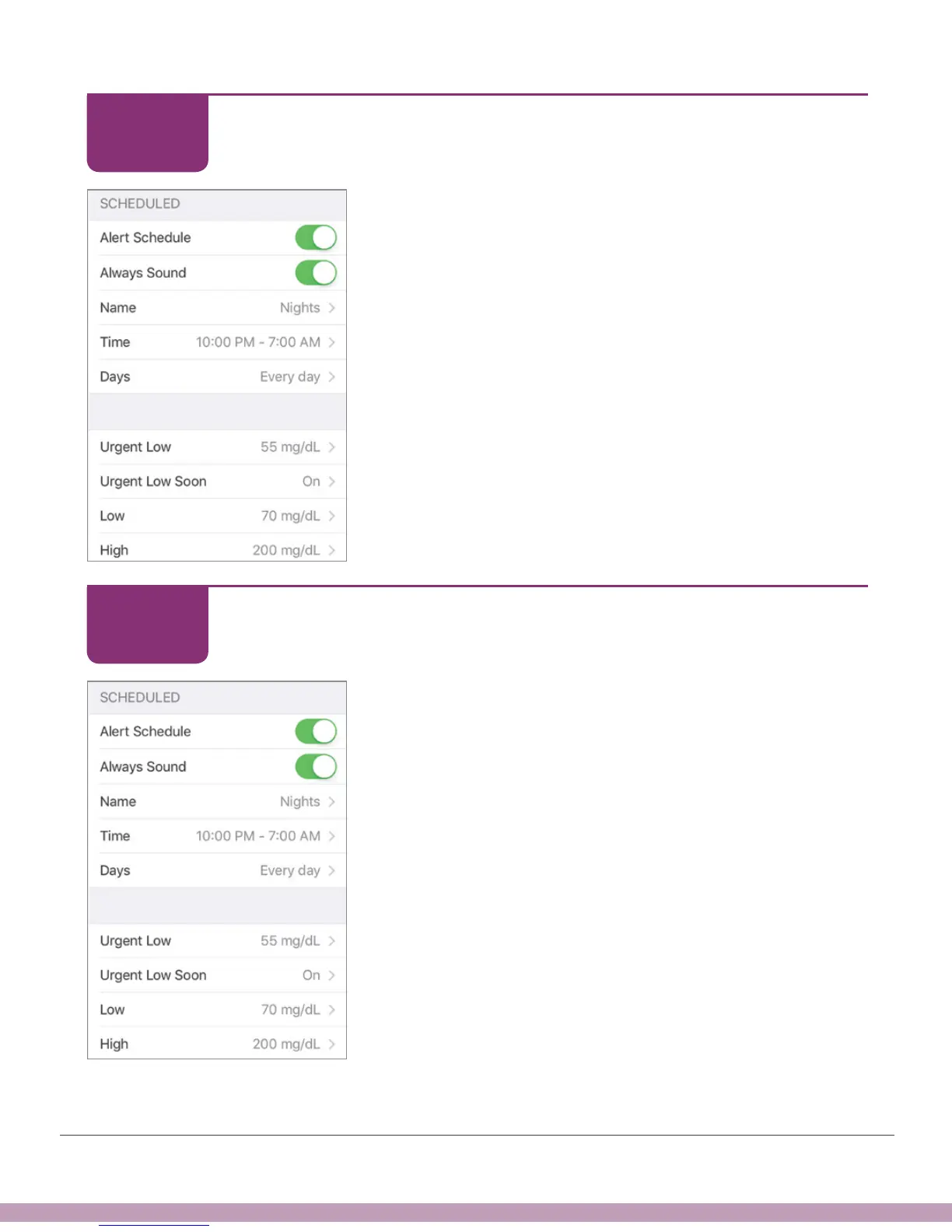
Review the settings for your Alert Schedule.
App: Set Up Alert Schedule
When Alert Schedule is on, there are two groups of
settings in the Alerts menu: Default and Scheduled.
Default shows your regular, not scheduled settings
Scheduled shows any alerts you changed from your
default settings
The default settings are copied into your schedule.
Verify that your scheduled High Alert will make a sound.
Tap High.
STEP
11 of 14
STEP
12 of 14



 To Next Page