Dexcom G6
®
System User Guide
169Chapter 10: Alarm and Alerts
App: Set Up Alert Schedule
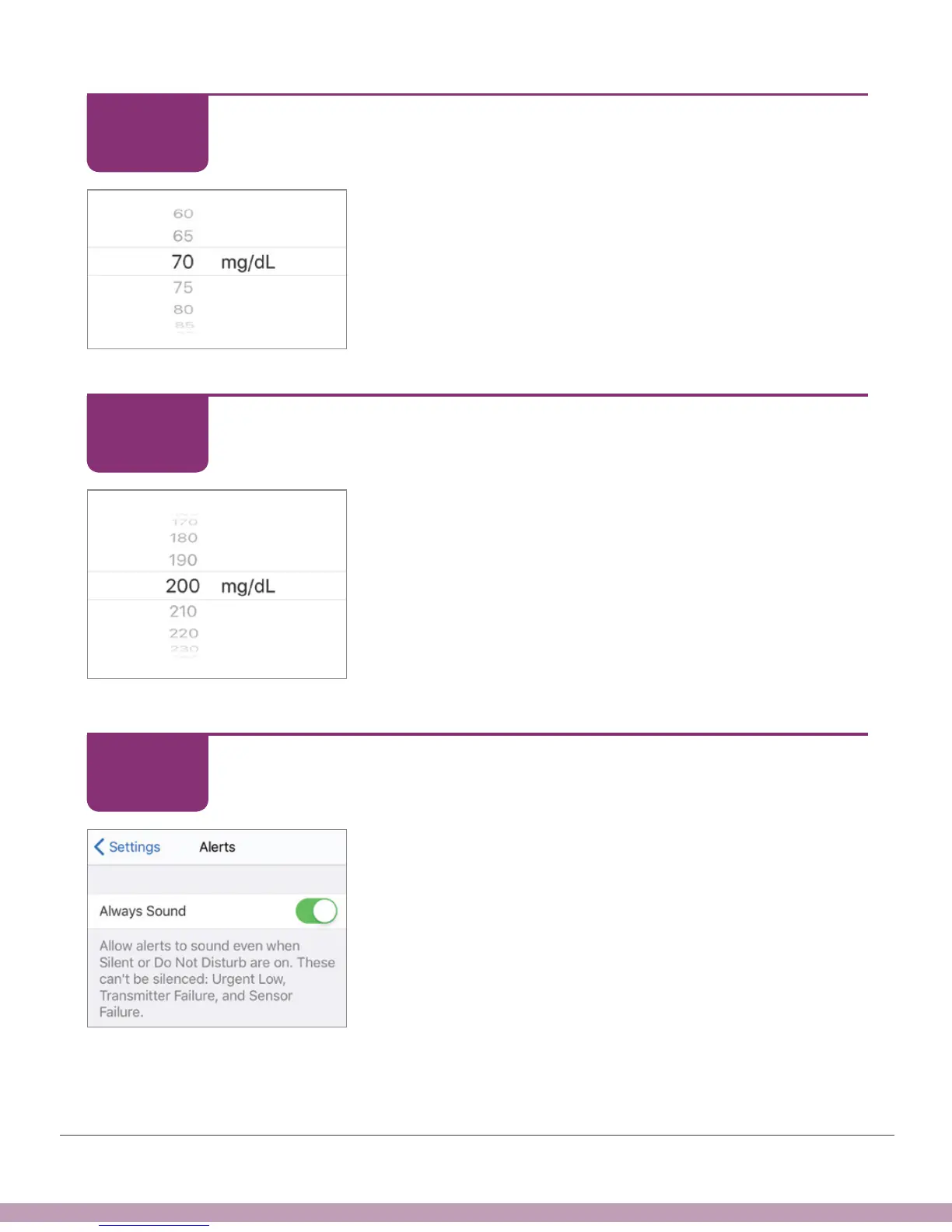
Select 70 as your low glucose alert level for this
schedule.
At night, when this schedule is in effect, you will get
your Low Alert when your G6 reading reaches 70 mg/
dL.
Tap Next.
App: Set Up Alert Schedule
Select 200 as your high glucose alert level for this
schedule.
At night, when this schedule is in effect, you will get
your High Alert when your G6 reading reaches 200 mg/
dL.
Tap Next.
App: Set Up Alert Schedule
Turn Always Sound on so you will hear your alarm/
alerts even when your display device is on mute or Do
Not Disturb.
STEP
8 of 14
STEP
9 of 14
STEP
10 of 14



 To Next Page