Dexcom G6
®
System User Guide
168Chapter 10: Alarm and Alerts
App: Set Up Alert Schedule
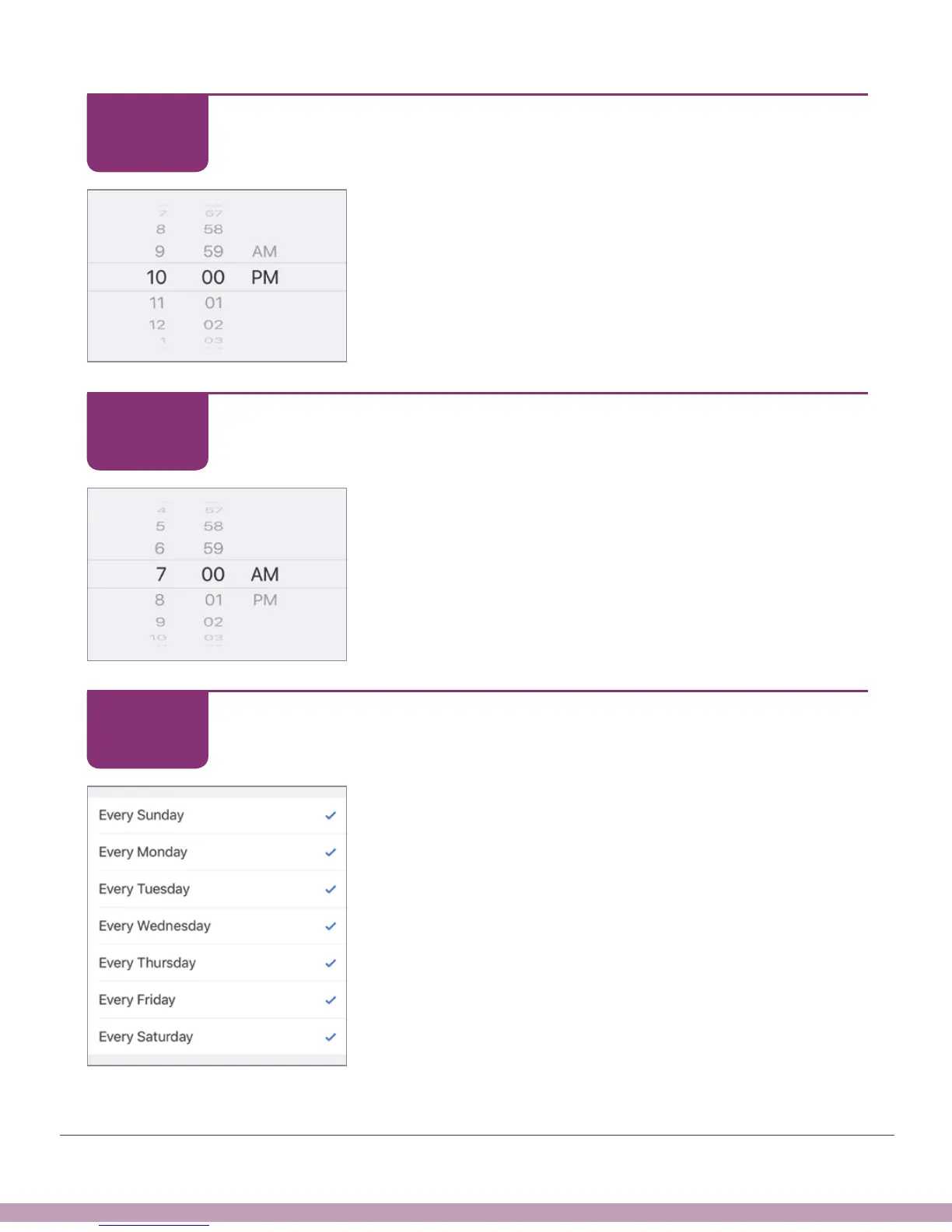
Nights schedule starts at 10 pm.
Scroll to 10 pm.
Tap Next.
Android: Selecting a time looks different.
App: Set Up Alert Schedule
Scroll to 7 am, when you get up.
Tap Next.
Android: Selecting a time looks different.
App: Set Up Alert Schedule
Select Every Sunday through Every Saturday so the
schedule covers all days.
Tap Next.
STEP
5 of 14
STEP
6 of 14
STEP
7 of 14



 To Next Page