Dexcom G6
®
System User Guide
65Chapter 5: Set Up Your Display Devices
Receiver: Setup
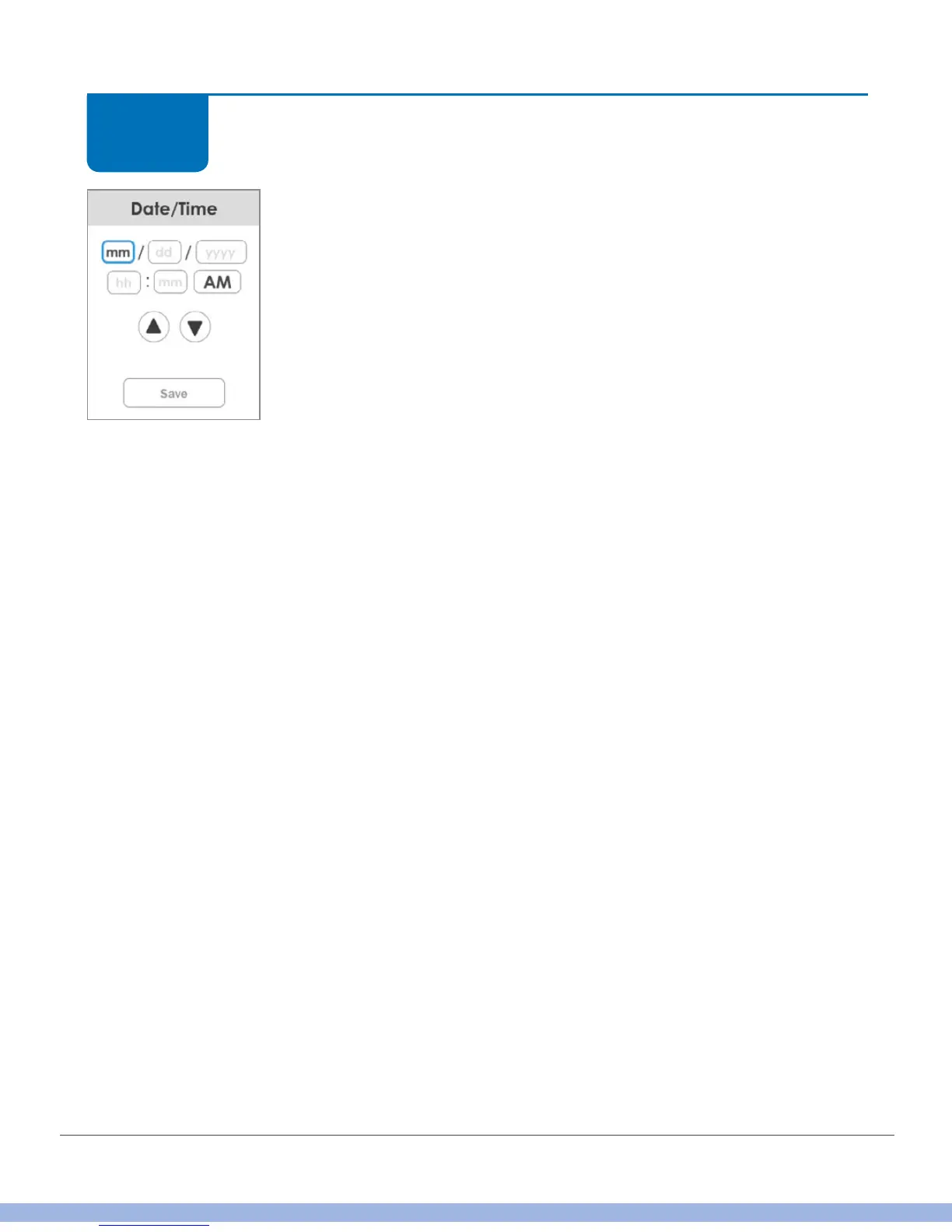
Enter the date and time:
The blue outlined box shows what is selected.
Key for date boxes:
• mm = month
• dd = day
• yyyy = year
Key for time boxes:
• hh = hour
• mm = minute
• AM/PM = switch between the two
Tap each box.
Tap up/down arrows to change value in box.
Use this method throughout to enter information.
When done, tap Save.
If battery is ever completely drained, you’ll need to reset date and
time.
STEP
4 of 11



 To Next Page