Dexcom G6
®
System User Guide
91Chapter 6: Start Your Sensor
6.7 Pairing Tips
Your transmitter and display device pair after you insert your sensor and attach your
transmitter. (On the receiver, the Bluetooth symbol will blink while it is trying to pair
with the transmitter.) It usually takes less than 10 minutes for your transmitter and
display device to pair, but it can take up to 30 minutes. During this time:
• Make sure your transmitter and display device are within 20 feet of each other
• Remove barriers between them
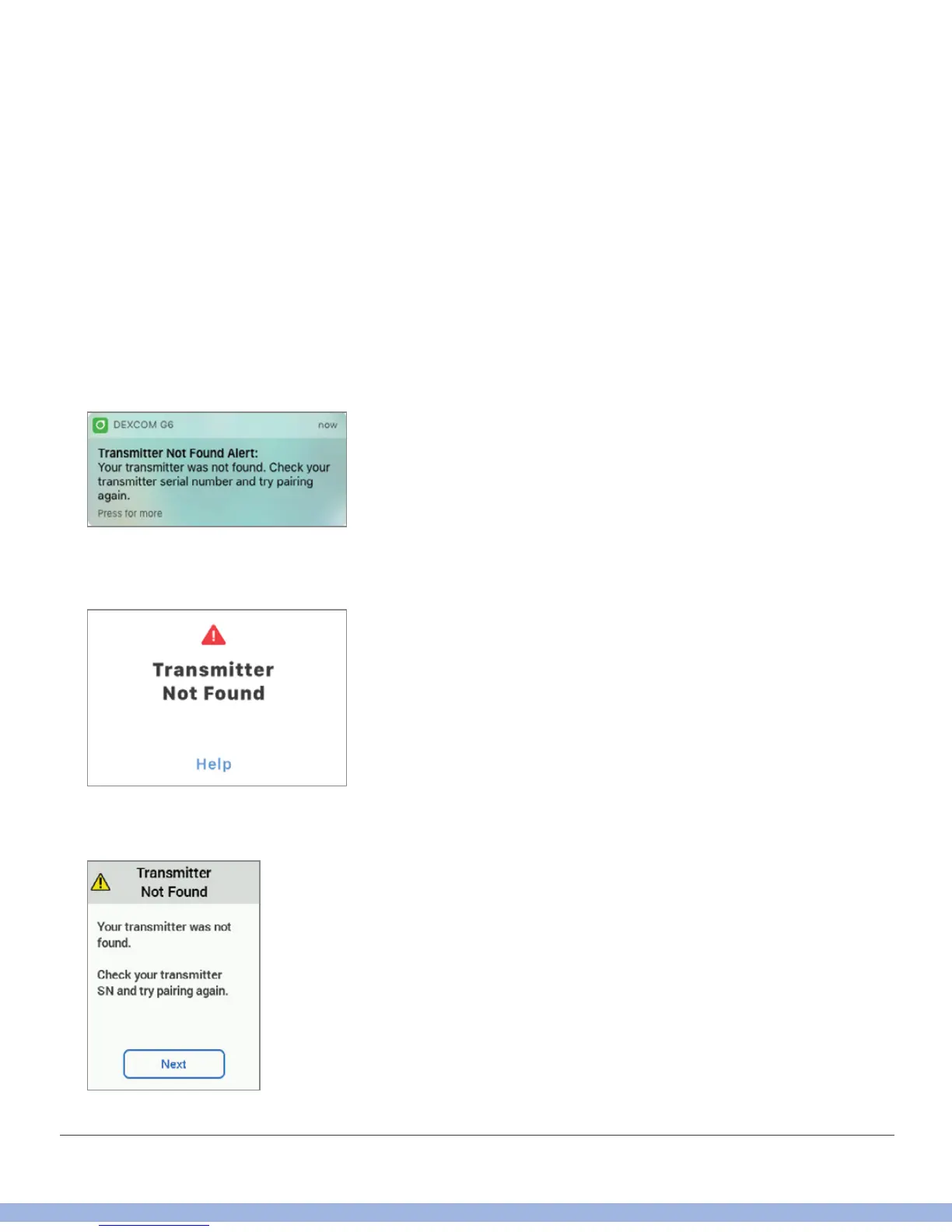
If these errors display, your transmitter and display device are not communicating.
App Notification
App
Receiver



 To Next Page