Dexcom G6
®
System User Guide
83Chapter 6: Start Your Sensor
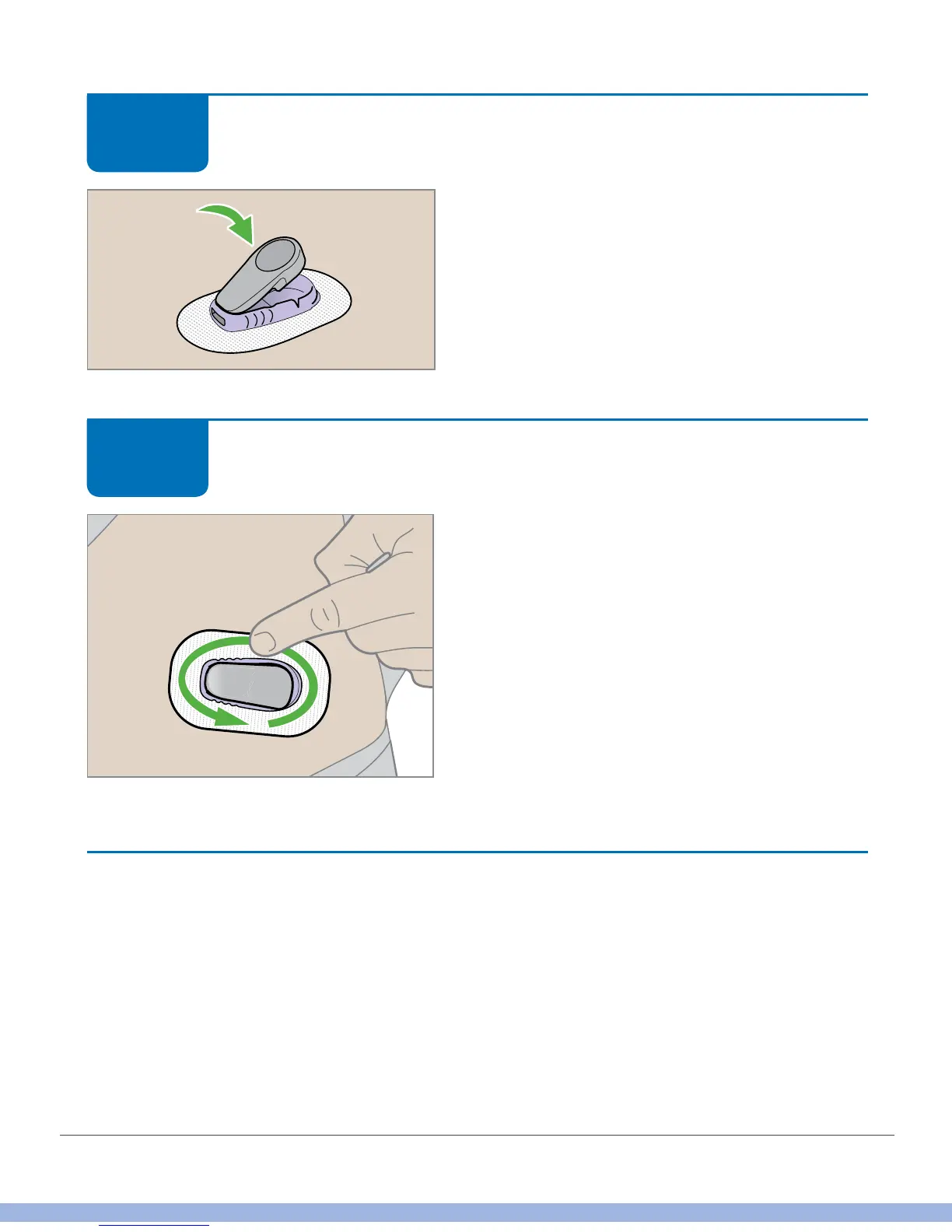
Attach Transmitter
Press the wide end of the transmitter until it
clicks into the holder.
Attach Transmitter
Secure by rubbing fingers around the patch
three times.
You’re almost done starting your sensor!
Finished!
Loose Transmitter Holder
The transmitter holder should stay on your skin using its own adhesive, but the patch
may start to peel up. If it peels up, or you want to prevent that, use either the overpatch
or another adhesive, such as medical tape (brand names include Blenderm™,
Tegaderm™, Smith & Nephew IV3000
®
, 3M™ tape) for extra support. Order
overpatches at dexcom.com/order.
STEP
4 of 5
STEP
5 of 5



 To Next Page