Dexcom G6
®
System User Guide
162Chapter 10: Alarm and Alerts
Receiver: Customizing Alerts
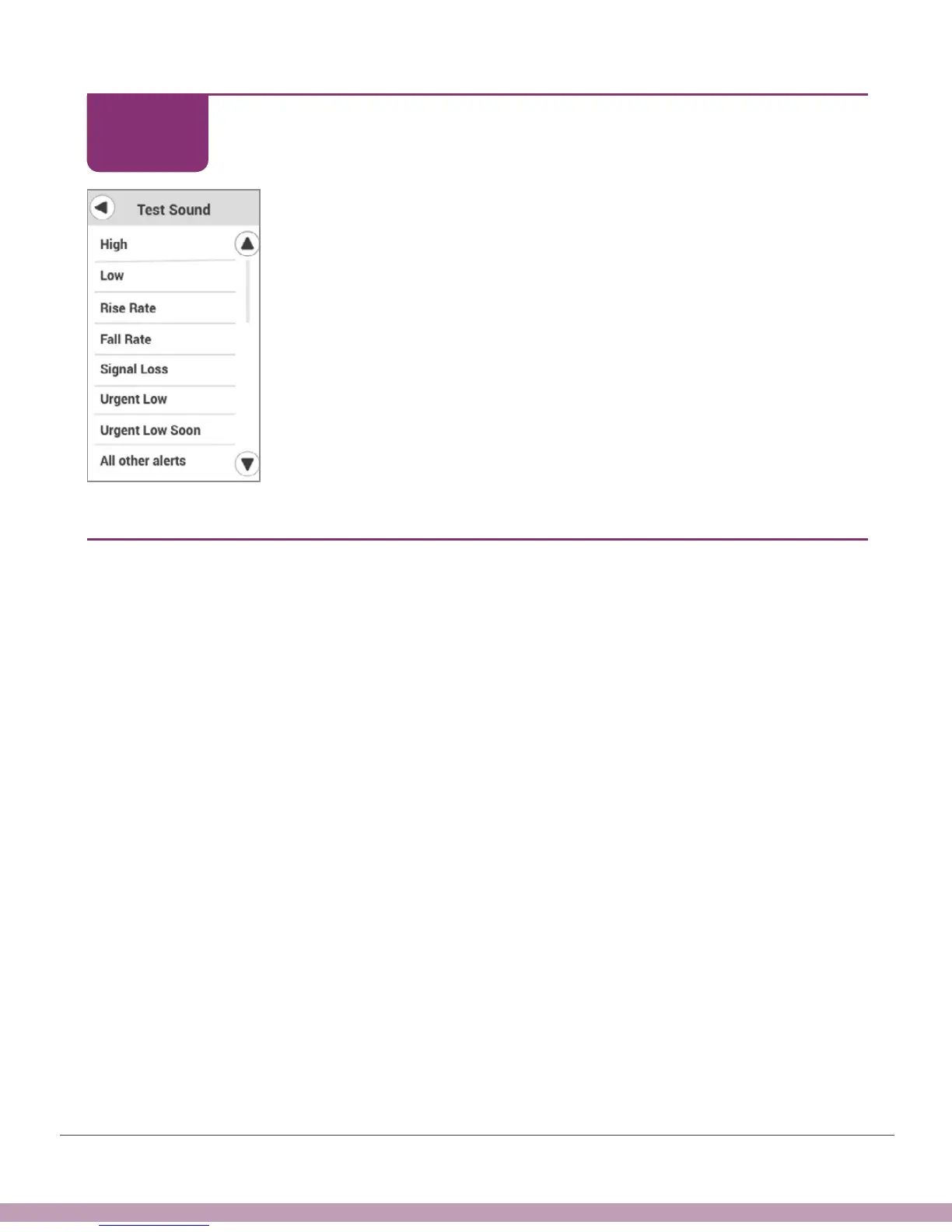
Tap the alarm/alert to hear the selected sound for each one.
Finished!
10.6 Why Customize Alerts?
What can customizing alerts do for you? Use your alerts to help you achieve your goals.
Are you worried you go high too often? Or, you don’t always feel your lows, so you want
the G6 to let you know. Perhaps you want to set different alert levels during the night.
Maybe you want to bring your average blood glucose down. Talk to your HCP about
how to use your G6 alerts to reach your diabetes management goals.
STEP
6 of 6



 To Next Page