Dexcom G6
®
System User Guide
161Chapter 10: Alarm and Alerts
Receiver: Customizing Alerts
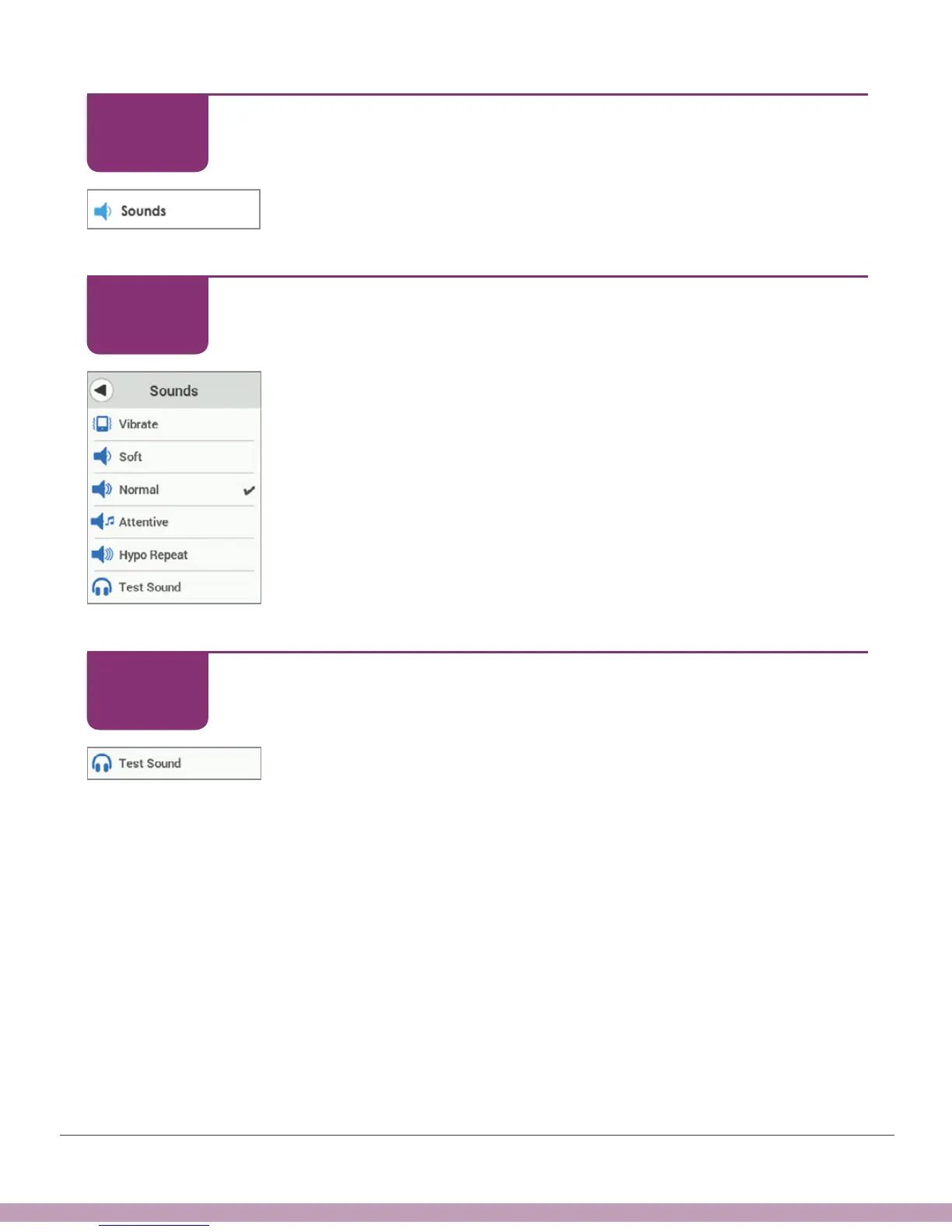
Tap Sounds.
Receiver: Customizing Alerts
Selected sound has checkmark. Default is Normal.
Tap your choice.
Receiver: Customizing Alerts
Tap Test Sound to hear selected Sound.
STEP
3 of 6
STEP
4 of 6
STEP
5 of 6



 To Next Page