Dexcom G6
®
System User Guide
269Appendix C: Extend Your App
Appendix C | Extend Your App
With your G6 app, you see notifications from your lock screen or smart watch.
Not seeing any data? Open your app.
C.1 Today View (Apple)
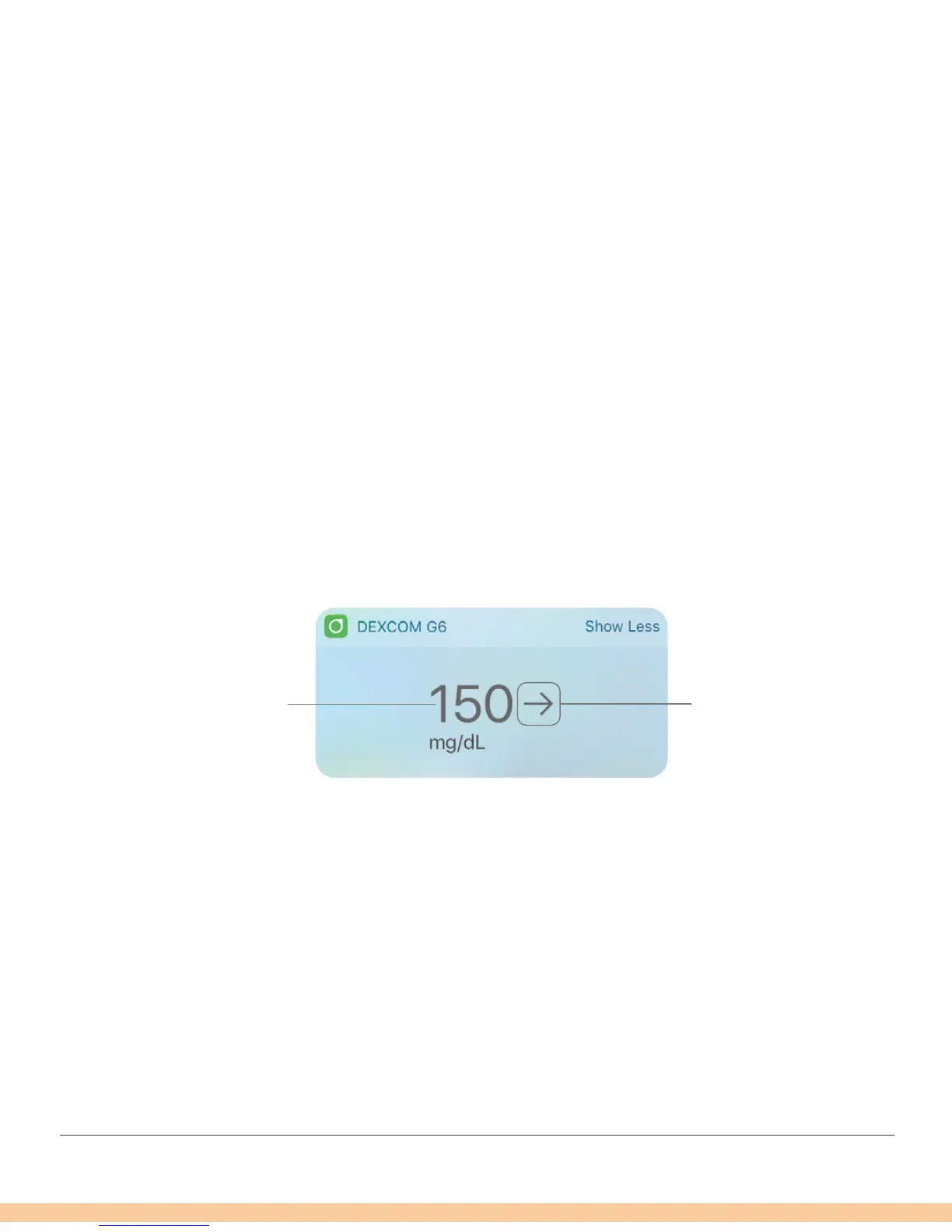
Check your CGM information in the Today view, even when your smart device is locked.
From the left edge of your Home or Lock screen, swipe right.
To add G6
1. Scroll to the bottom
1. Tap Edit
See your smart device instructions for details.
Images below are representational only, your screen may look different.
Today View
Sensor Reading Trend Arrow



 To Next Page