Dexcom G6
®
System User Guide
258Chapter 14: Troubleshooting
G6 Readings Do Not Match Symptoms
Problem
• G6 readings don't match how you feel
Solution
• Wash your hands with soap and water. Dry them. Then take a fingerstick with
your meter. If your meter value matches your symptoms, use it to take treatment
decisions.
• Calibrating may help align your G6 readings to your meter values. See Chapter 7.
14.11 Calibration Prompts
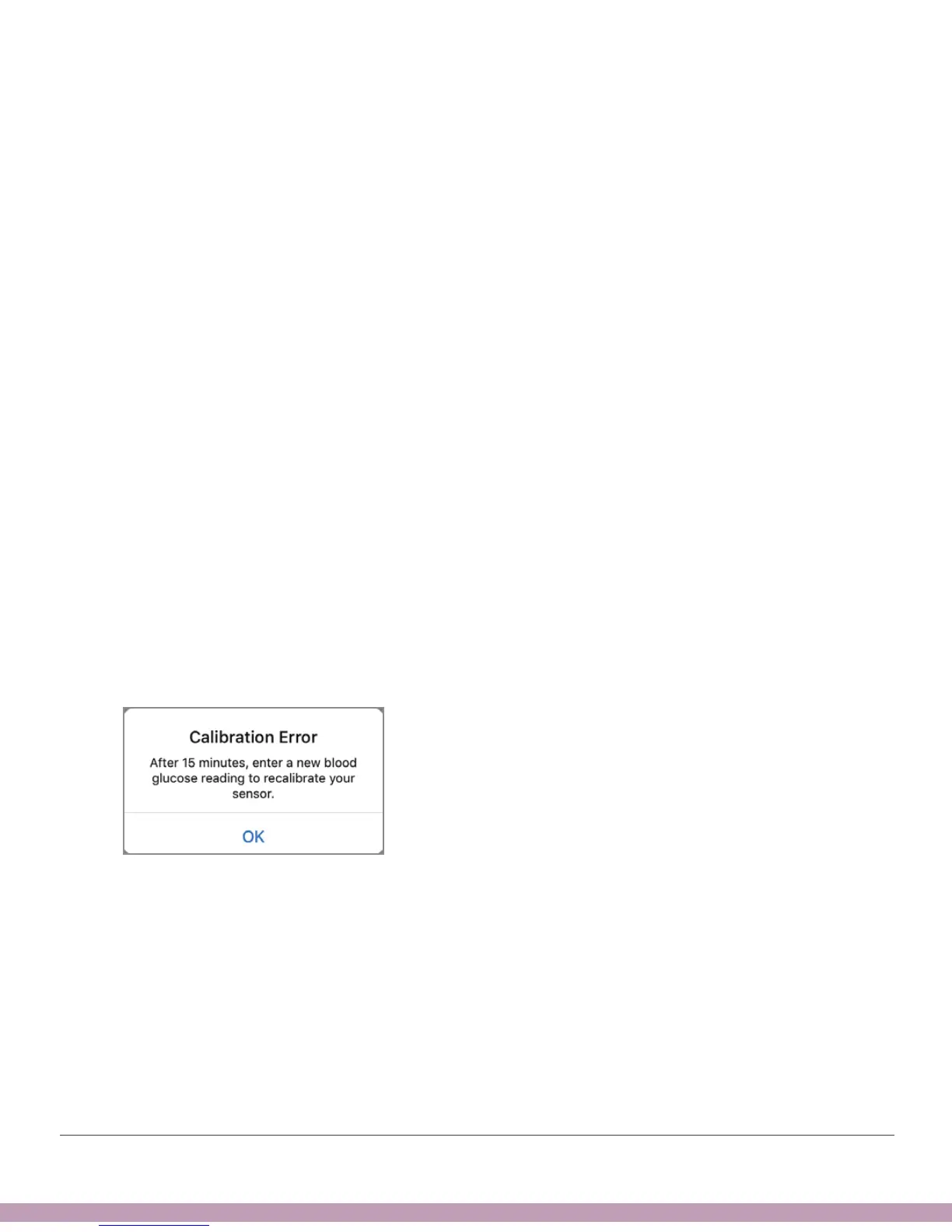
Calibration Error/Recalibration Alert
Problem
• Displays when you enter a calibration outside the expected range.
Solution
• G6 needs you to calibrate.
App



 To Next Page