Dexcom G6
®
System User Guide
131Chapter 9: Events
App: Delete Event
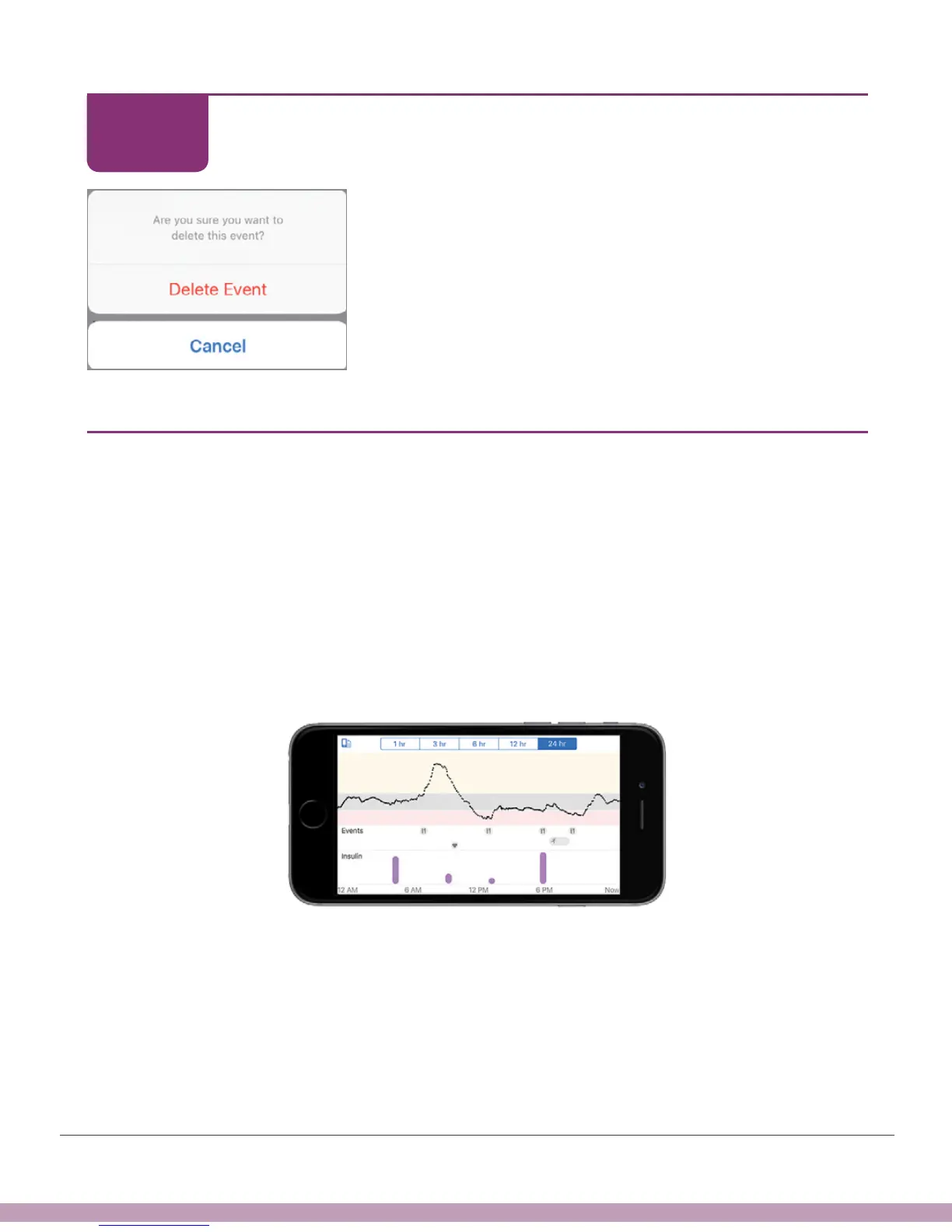
Tap Delete Event to confirm.
Finished!
9.6 App: View Events
Entering events won’t change your glucose information, but they give you the big
picture when reviewing information later, whether on your app, with your Followers, or
with your HCP via CLARITY.
Turn your smart device to landscape to view your events – carbs, exercise, and health.
At the bottom of the screen are the insulin doses you recorded. Touch and hold a spot
on the screen to see detailed information for that time.
Tap labels along top to change time scale. Touch and hold on graph to see details for
that time.
STEP
4 of 4



 To Next Page