Dexcom G6
®
System User Guide
252Chapter 14: Troubleshooting
14.7 Transmitter
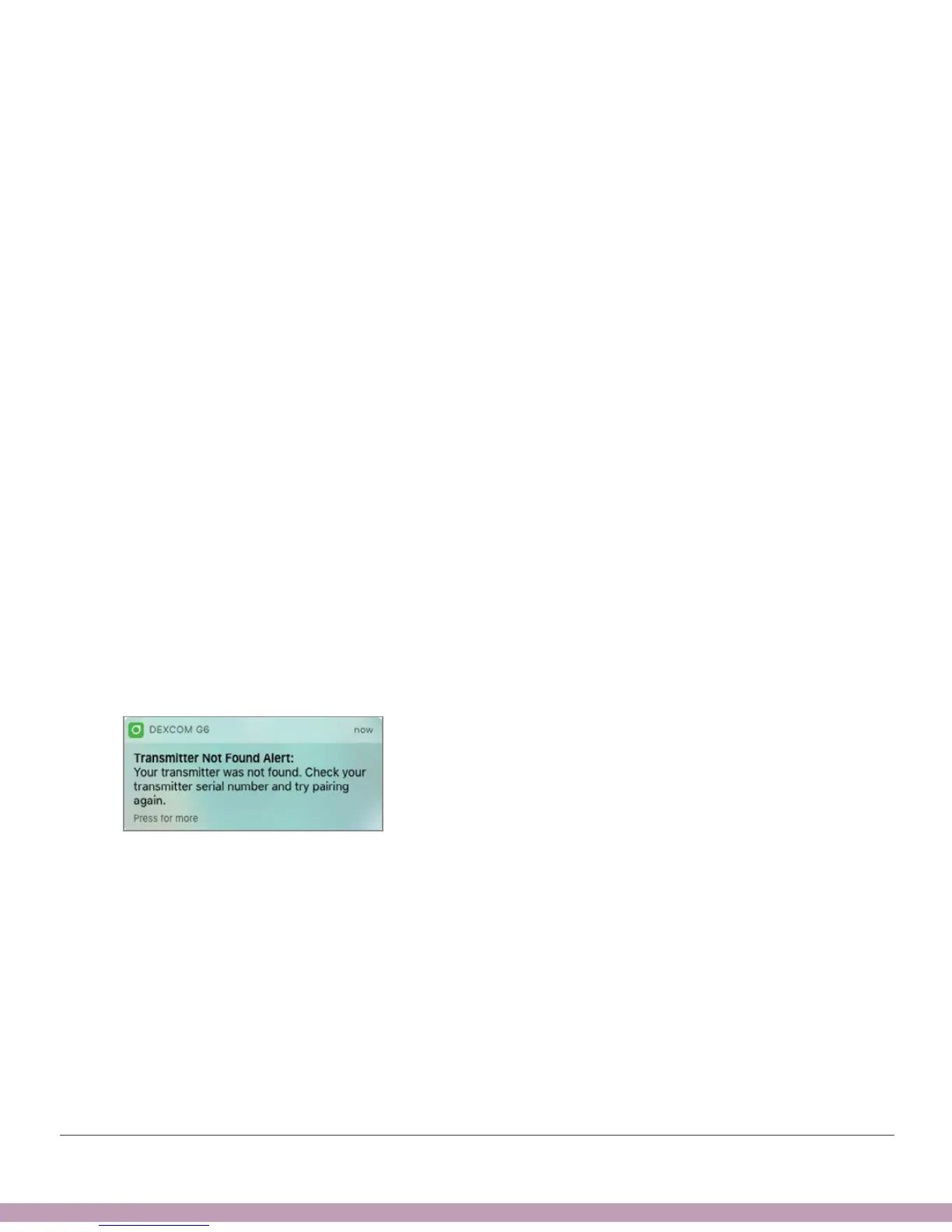
Transmitter Not Found Alert
Problem
• Transmitter didn’t pair with display device
Solution
• Use your meter. No alarm/alerts or G6 readings until fixed.
• Make sure Transmitter SN in Settings matches the Transmitter SN on the
transmitter box.
• Make sure transmitter is snapped into holder.
• App: For more information, tap Help.
• If these solutions don’t fix the issue, sensor may not be inserted correctly. Contact
Technical Support (available 24/7) at:
• TechSupport@dexcom.com
• Toll free: 1.888.738.3646
• Toll: 1.858.200.0200
App Notification



 To Next Page