Dexcom G6
®
System User Guide
99Chapter 7: Calibrate
App: Calibration
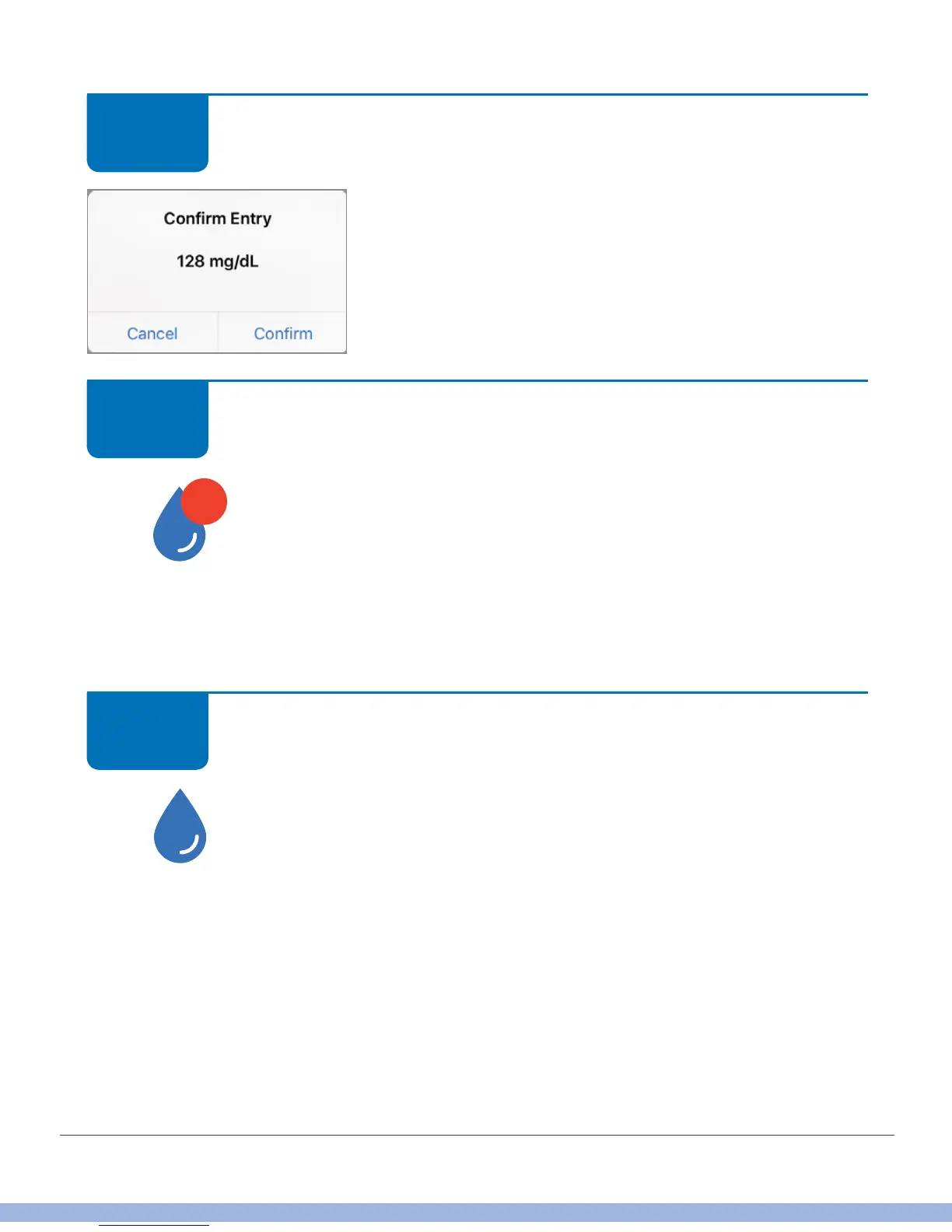
Verify number is correct.
If correct, tap Confirm. If you don’t tap Confirm, BG
level isn’t saved.
If incorrect, tap Cancel and enter correct number.
App: Calibration
Tap Calibrate to enter your second BG value.
Follow steps 1-5 and enter second value.
What it means:
• Sensor accepted first calibration
• Ready for second meter value
App: Calibration
Calibration accepted: Calibrate icon has no red circle.
STEP
5 of 8
STEP
6 of 8



 To Next Page