Dexcom G6
®
System User Guide
84Chapter 6: Start Your Sensor
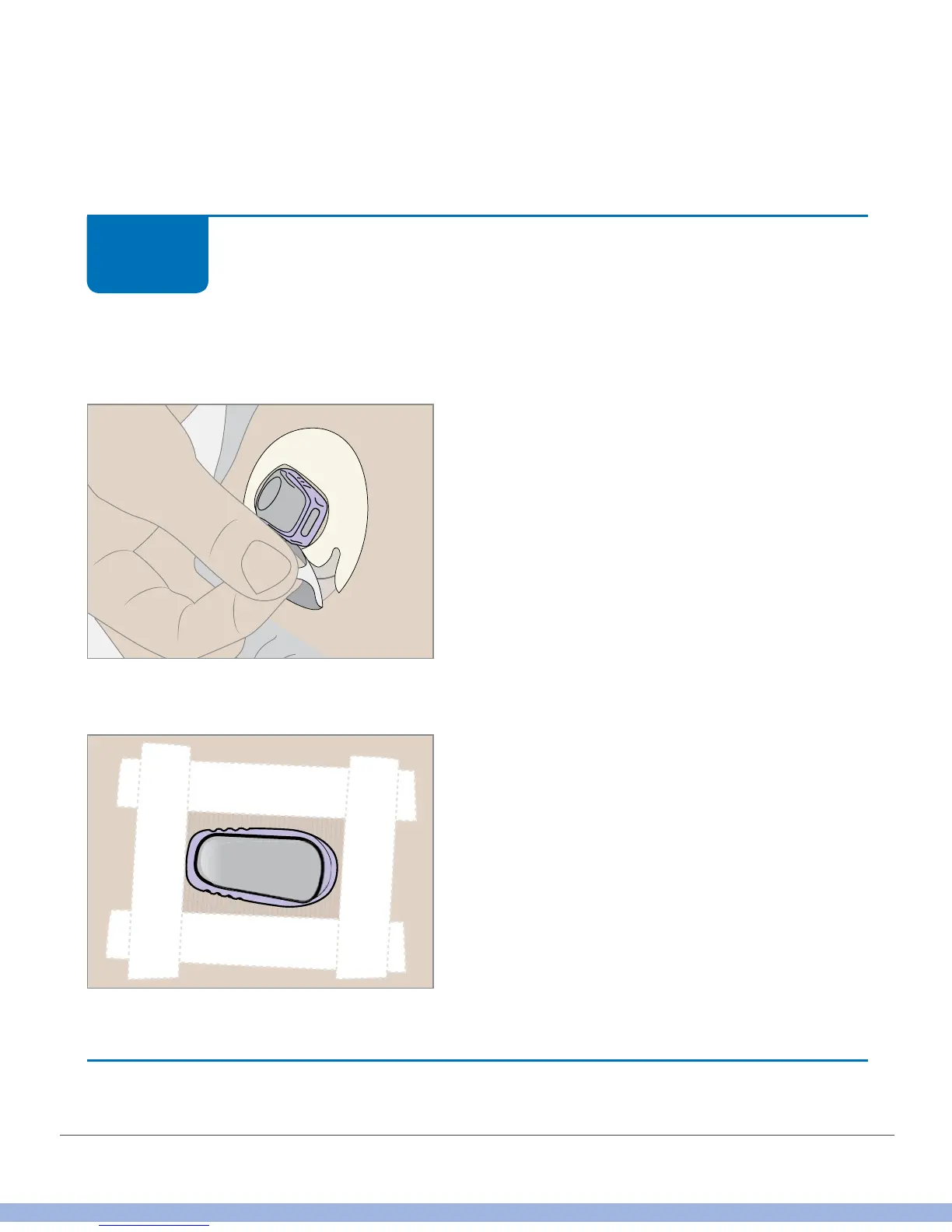
Tips for putting on the overpatch or extra adhesive tape:
• Put overpatch or tape over white patch on all sides for even support
• Don’t put overpatch or tape over or under the transmitter or its plastic holder
Attach Transmitter: Optional Step
Put overpatch or medical tape over the patch.
Overpatch
Medical tape
Finished!
STEP
1 of 1



 To Next Page