Dexcom G6
®
System User Guide
105Chapter 7: Calibrate
Receiver: Calibration
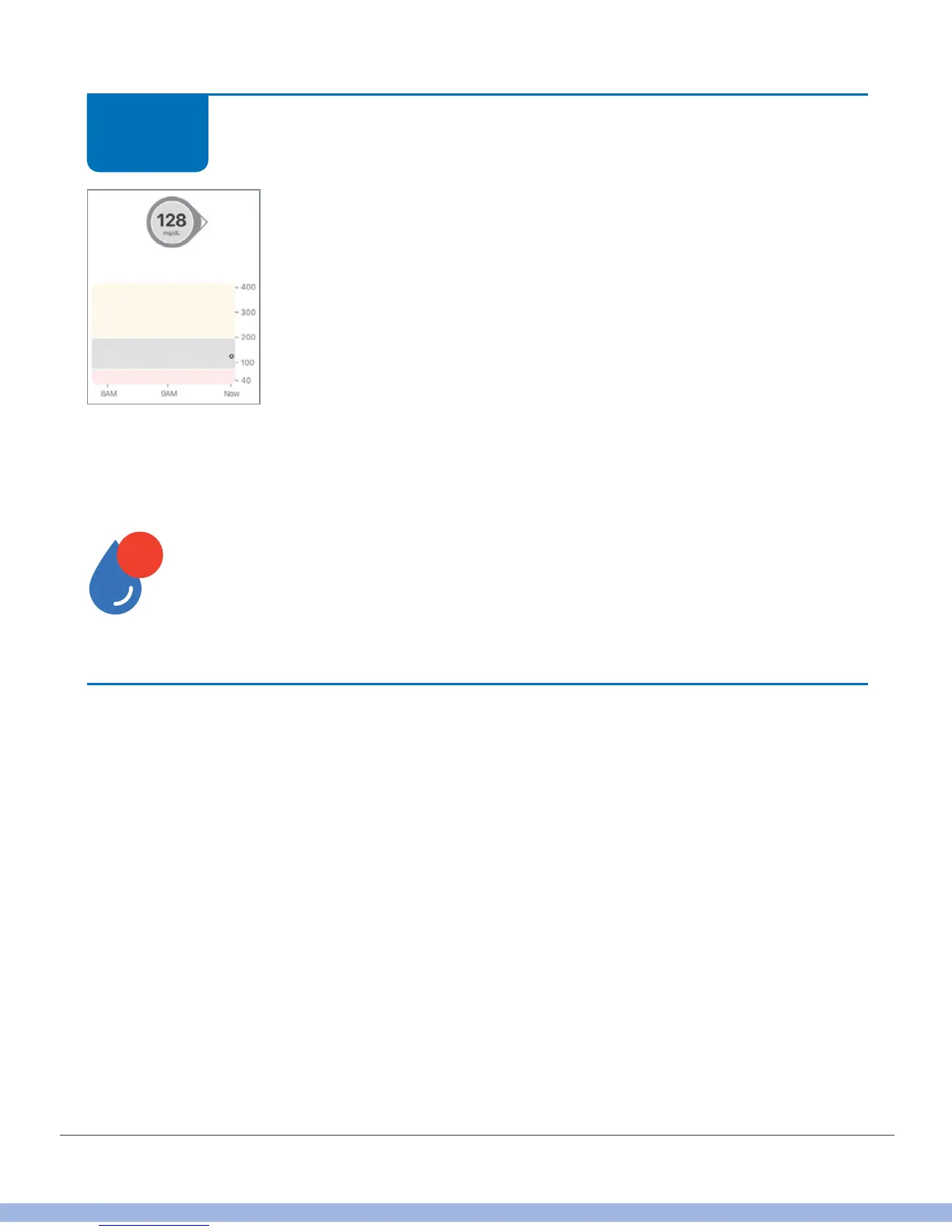
Your G6 readings begin about 5 minutes after the device accepts
your first two calibrations. Look for the dots on your home
screen. Each dot represents a single G6 reading taken every 5
minutes.
If you didn’t enter a sensor code during your sensor setup, G6 will prompt you to
calibrate in another 24 hours.
When prompted, repeat steps 1-5.
Finished!
Sound/Vibration Prompts
You get visual notifications, beeps, and/or vibrations when your system needs
calibration.
• Smart device: You see all calibration notifications. There’s no sound or vibration for
your daily calibration. G6 will beep once for other types of calibrations, like when
you’re setting up a new sensor or the G6 needs an extra calibration.
• Receiver: You see your daily calibration notifications without beeping or vibrating.
When your system needs an extra calibration, you see the calibration notification. It
also vibrates the first time, then vibrates/beeps every 5 minutes until cleared.
For more information on setting your sound/vibration notifications and how to clear
them, see Chapter 10.
STEP
9 of 9



 To Next Page