Dexcom G6
®
System User Guide
126Chapter 9: Events
Receiver: Entering Insulin
The steps below show how to enter insulin on the receiver. Unlike the app, you can only
log insulin, but not which type.
Receiver: Entering Insulin
Tap Add event.
Receiver: Entering Insulin
Tap Insulin.
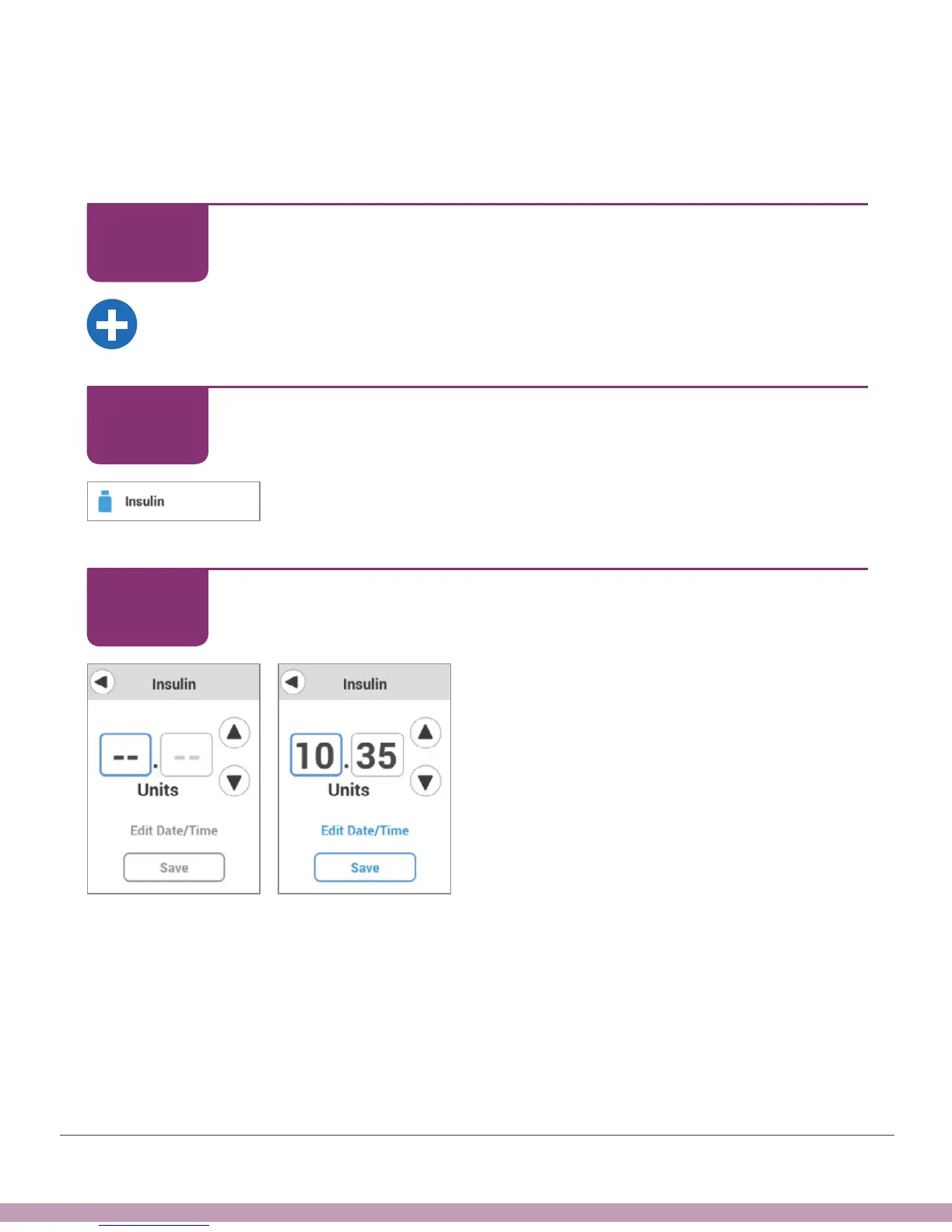
Receiver: Entering Insulin
Tap arrows to enter Units, up to 100.
When you tap the arrow, number starts at
last number entered.
This example uses 10.35 Units.
STEP
1 of 6
STEP
2 of 6
STEP
3 of 6



 To Next Page