Dexcom G6
®
System User Guide
145Chapter 10: Alarm and Alerts
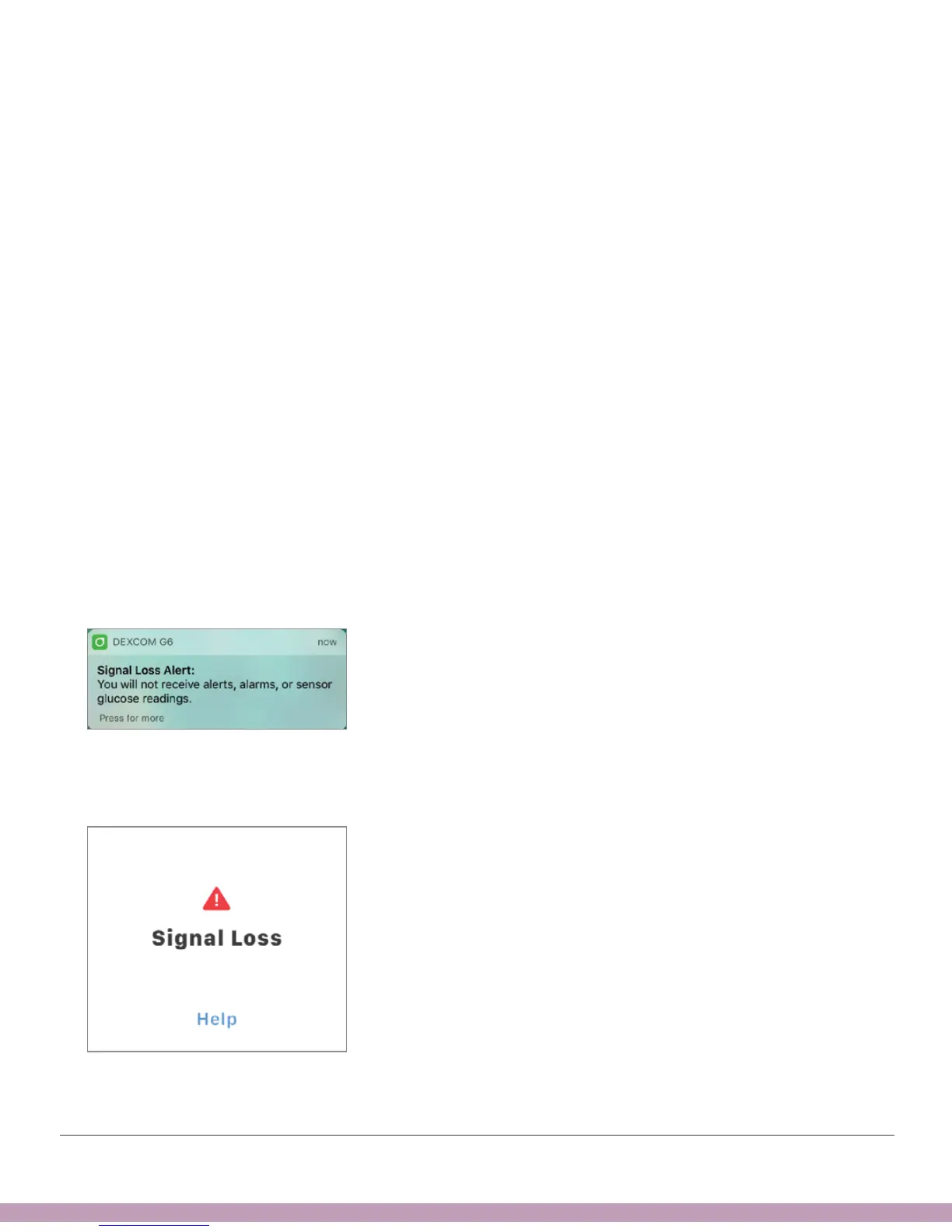
Signal Loss Alert
This tells you when you’re not getting G6 readings. Your display device may be too far
from your transmitter or there may be something, such as a wall or water, between
your transmitter and your display device. You can fix this by moving your display device
closer to your transmitter. During signal loss, use your meter to check your glucose and
make any treatment decisions.
You choose how long to wait before you get the alert – 20 to 200 minutes, or more if
using the app. When the display device and transmitter connect after a signal loss or
similar issue, up to 3 hours of missed G6 readings can fill in on the graph.
Apple: Unlike other alerts, Signal Loss can’t make a sound or vibrate if your smart
device is Silenced or in Do Not Disturb mode.
What you hear, feel, and see
• Initial alert: Vibrates once.
• Until confirmed: Vibrates and beeps once every 5 minutes.
• All other system alerts also vibrate and beep once.
App Notification
App



 To Next Page