Dexcom G6
®
System User Guide
187Chapter 12: Share Information with Your Support Team
• When your phone call is over, Share will fill in any missing glucose
information
Share and Follow won’t work if there is no internet connection or if there is
something wrong with the smart device. Refer to your smart device’s instructions for
troubleshooting.
Set Up Share
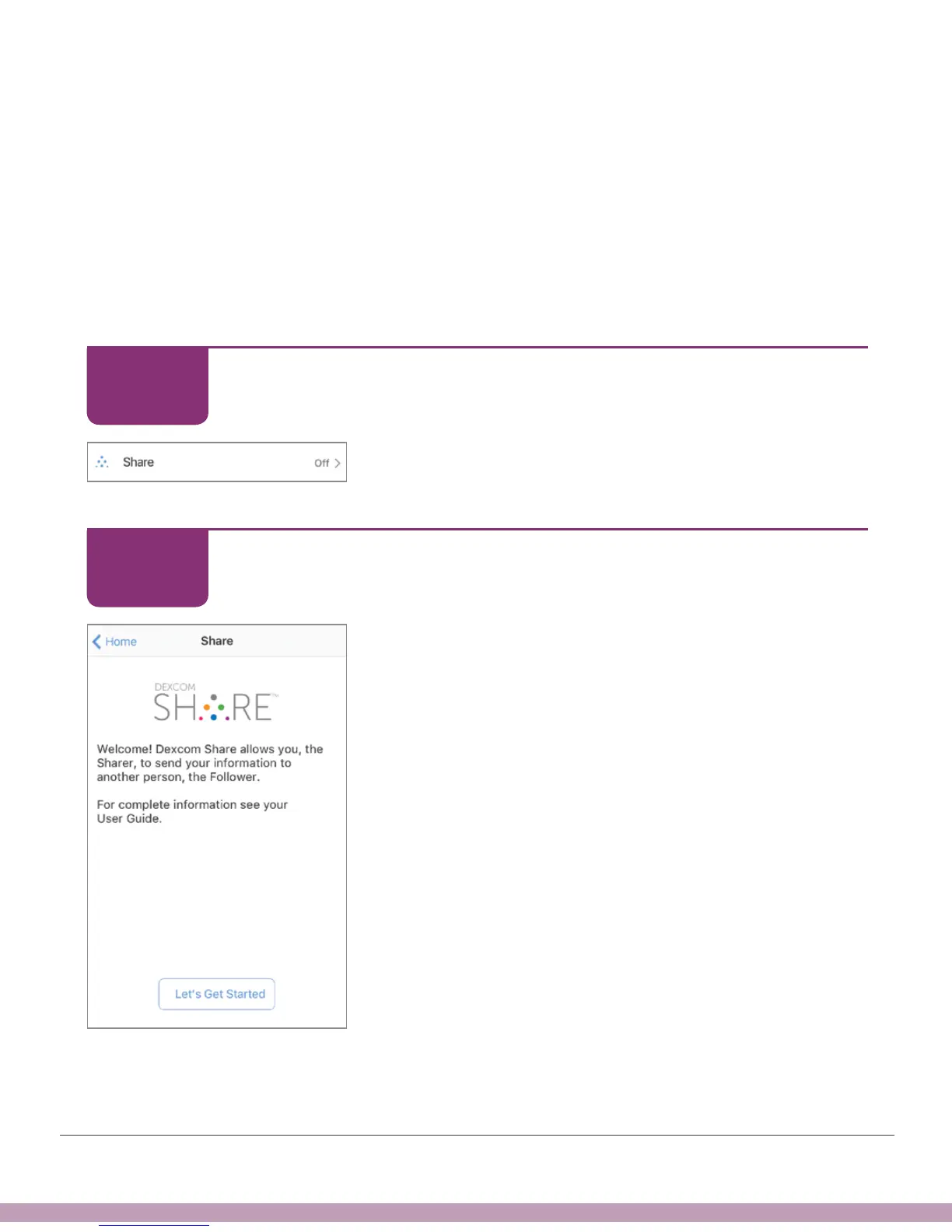
Follow the Share setup wizard:
Set Up Share
Tap Share icon to start.
Set Up Share
Tap Let’s Get Started.
STEP
1 of 11
STEP
2 of 11



 To Next Page