Dexcom G6
®
System User Guide
196Chapter 12: Share Information with Your Support Team
Manage Followers
Follower Status
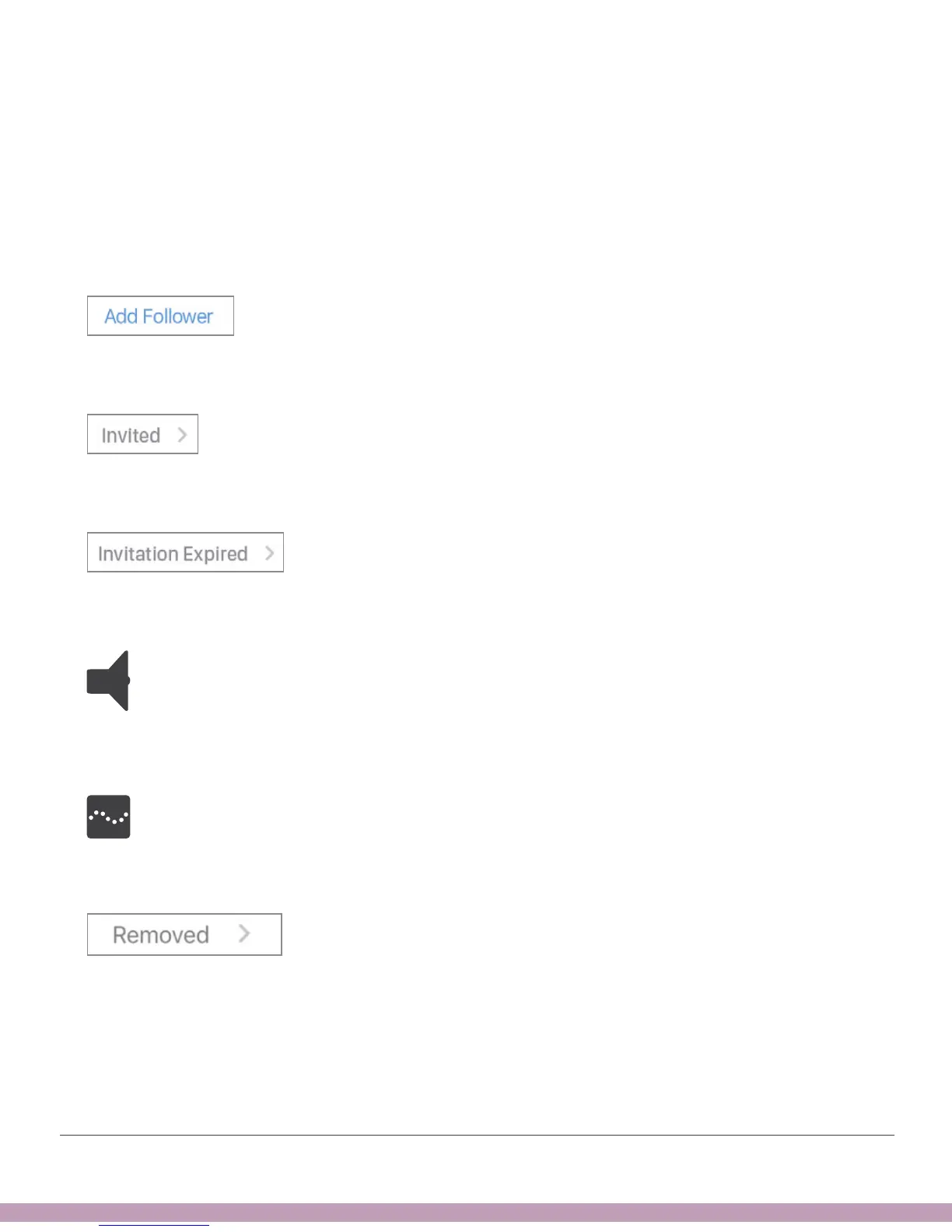
The Followers List shows the status of your Followers and lets you invite new ones.
Followers List Icons
Invite New Follower
Follower Didn’t Accept Invitation Yet
Follower Didn’t Accept Invitation Within 7 Days. To re-invite, tap Add Follower.
Follower Gets Notification(s)
Follower Sees Trend Graph
Follower Stopped Following You



 To Next Page