Dexcom G6
®
System User Guide
202Chapter 12: Share Information with Your Support Team
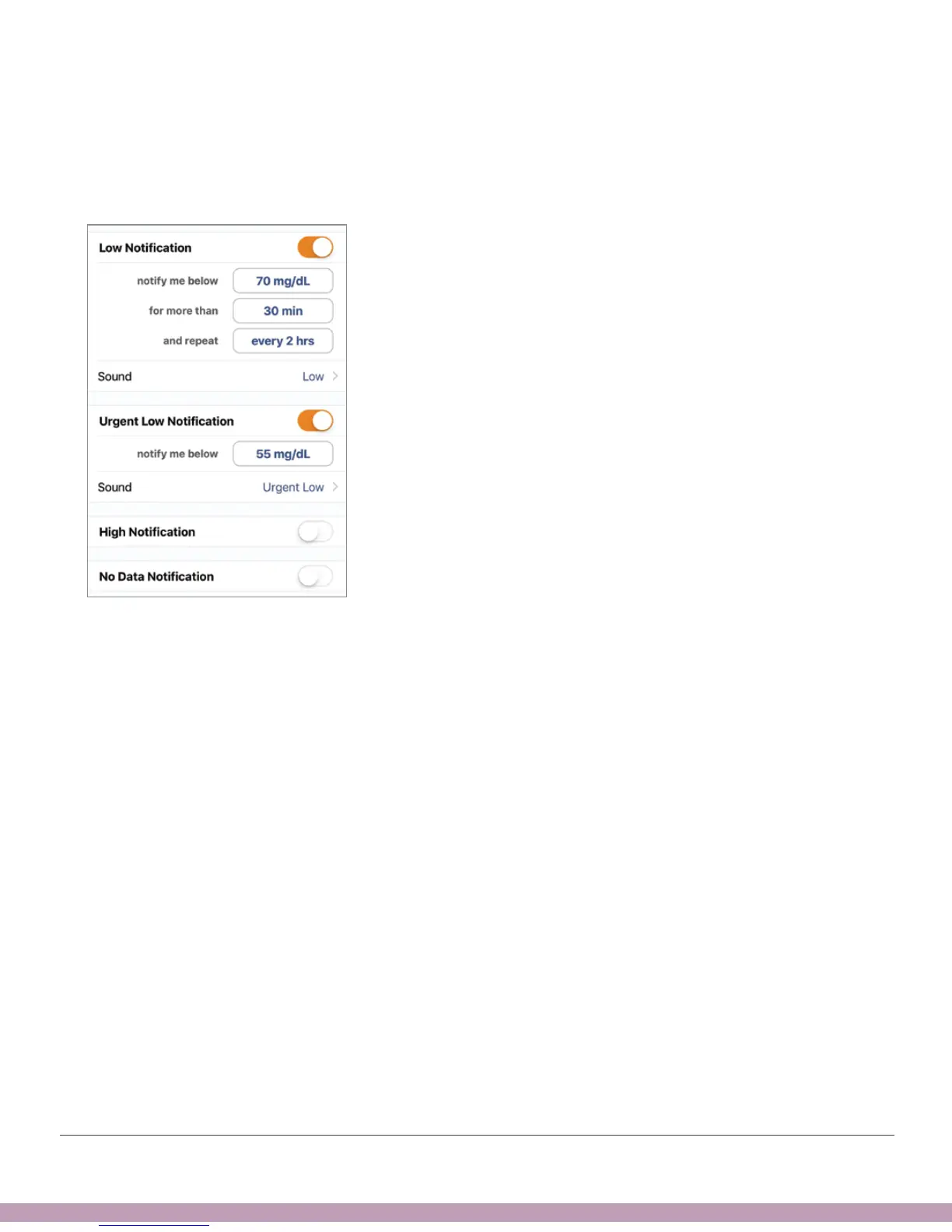
Your Follower can customize notifications. For example, they want to change their
settings so they can know when you go below 70 mg/dL for more than 30 minutes.
They can also change it to get notified every 2 hours if you stay under 70.
Follower Notification Settings



 To Next Page