Dexcom G6
®
System User Guide
218Chapter 13: End Sensor and Transmitter Sessions
App: Pair New Transmitter
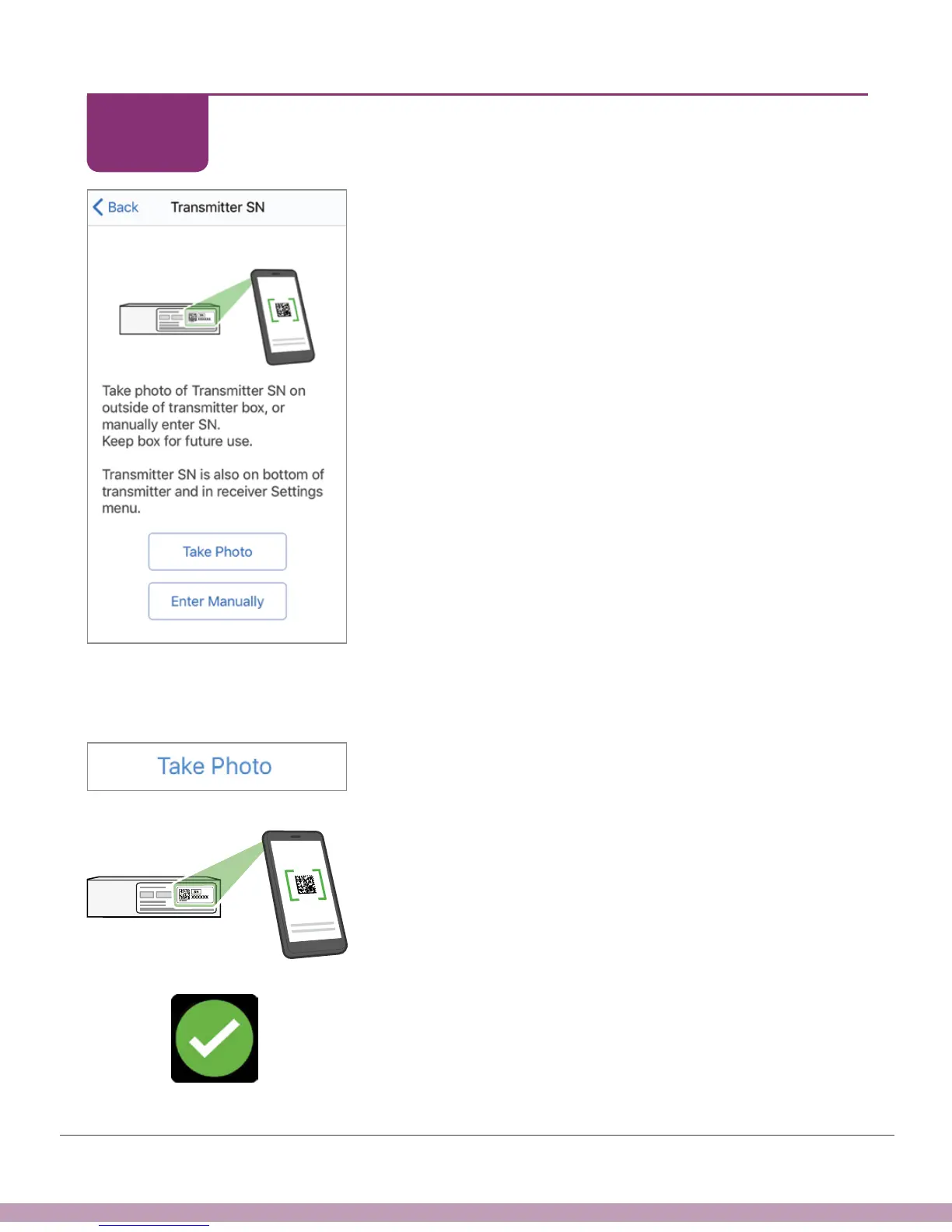
After entering your sensor code, enter transmitter SN.
Enter transmitter SN by either taking a photo of the
barcode on your box, or entering it manually.
Photo instructions:
a. Get your transmitter box. Tap Take Photo.
b. Turn transmitter box so barcodes face up.
c. Checkmark confirms you entered the SN correctly.
STEP
4 of 5



 To Next Page