Dexcom G6
®
System User Guide
221Chapter 13: End Sensor and Transmitter Sessions
Receiver: Pairing New Transmitter
If you are pairing two display devices, make sure you have done
all of the steps, including starting a new sensor session, in one
before pairing a new transmitter in the other.
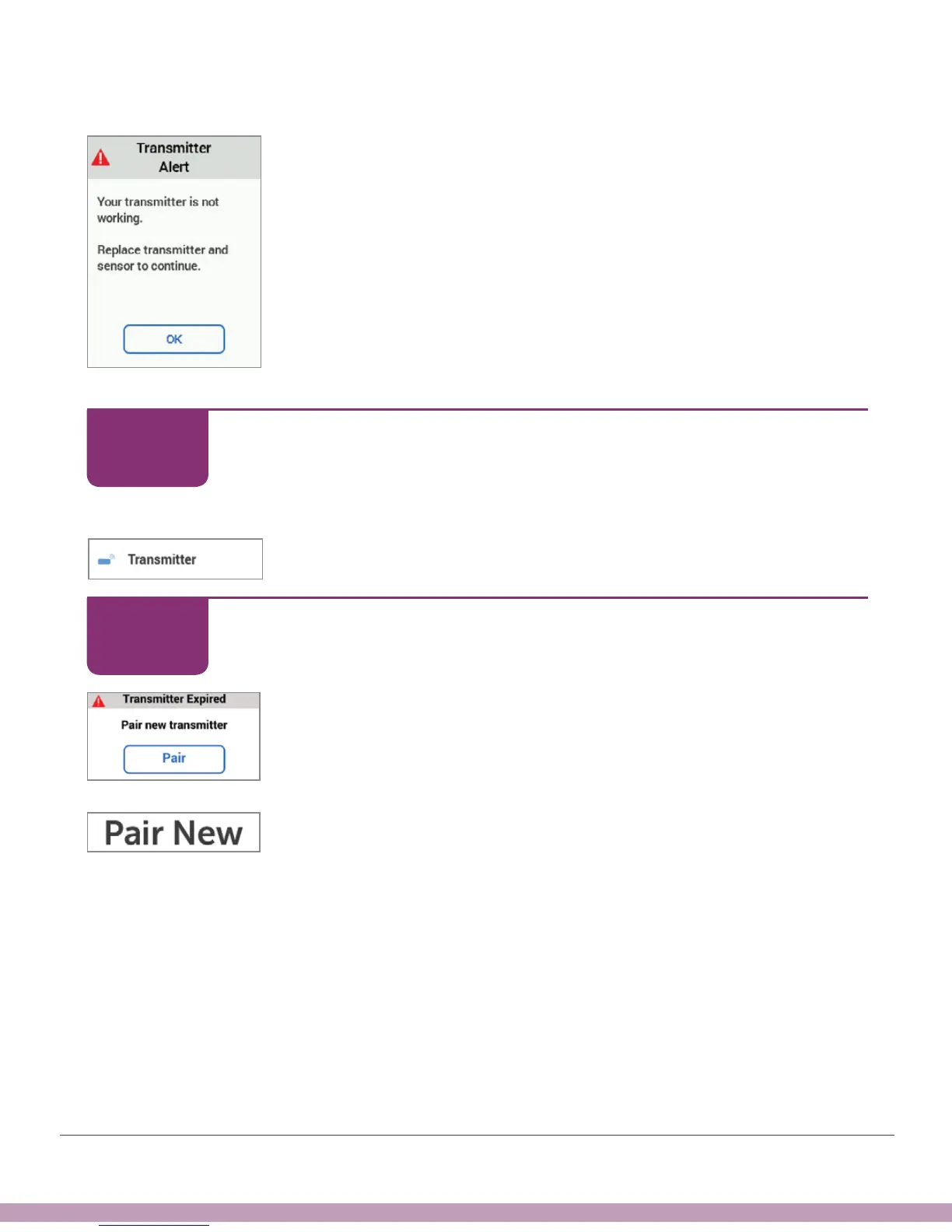
Just like the app, follow onscreen prompts to pair a new
transmitter or go to Menu > Settings > Transmitter > Pair
New.
System lets you know when it’s time to pair a new transmitter.
Receiver: Pairing New Transmitter
Tap OK.
Or Menu > Settings > Transmitter.
Receiver: Pairing New Transmitter
Tap Pair.
Or Menu > Settings > Transmitter > Pair New.
STEP
1 of 7
STEP
2 of 7



 To Next Page