Dexcom G6
®
System User Guide
239Chapter 14: Troubleshooting
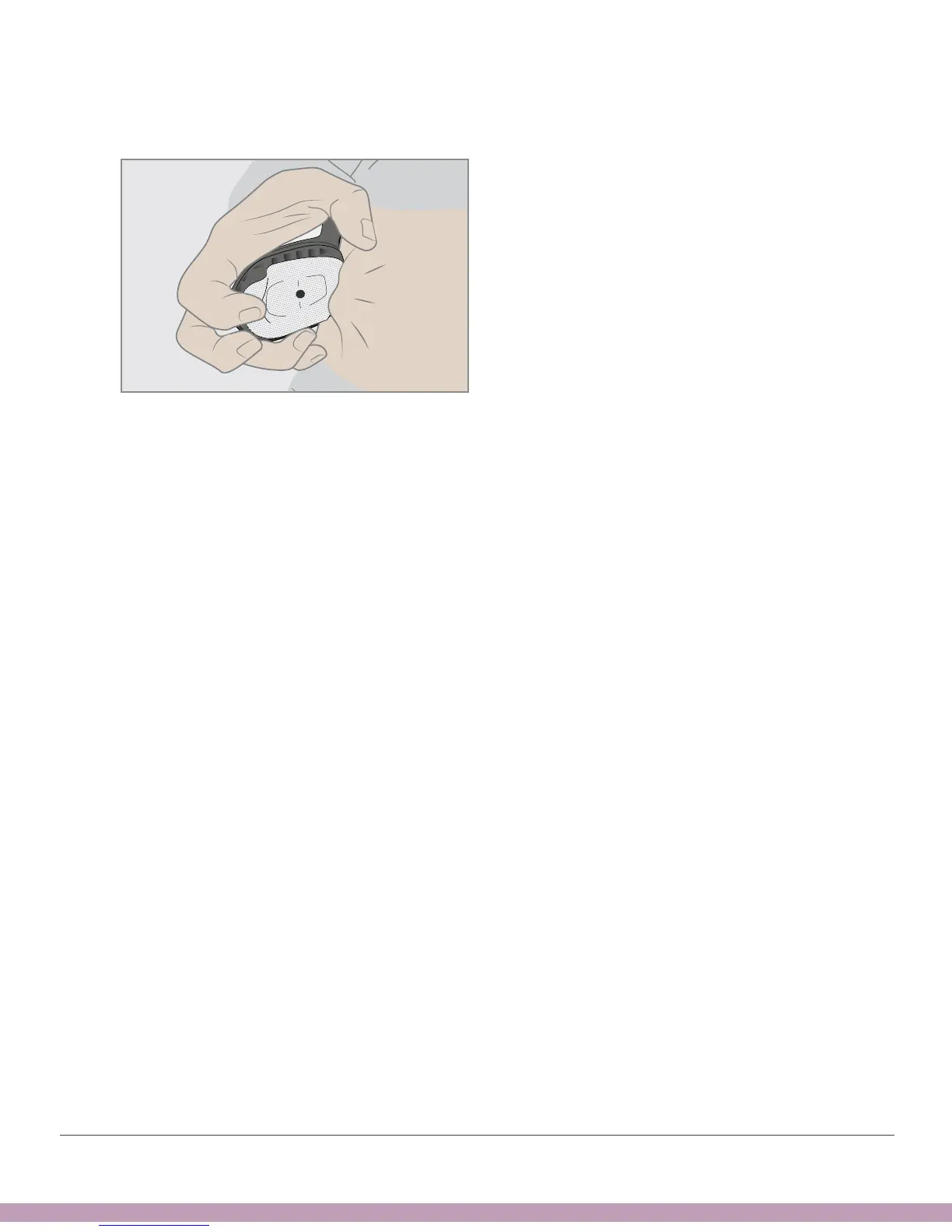
3. While holding the front edge of the adhesive patch, gently rock back applicator,
away from your body
4. Check insertion site to make sure the sensor isn’t left on the skin
5. Don’t try to reuse applicator
6. Contact Sales Support:
• Email: CustomerService@dexcom.com
• Toll free: 1.888.738.3646
• Toll: 1.858.200.0200



 To Next Page