Dexcom G6
®
System User Guide
256Chapter 14: Troubleshooting
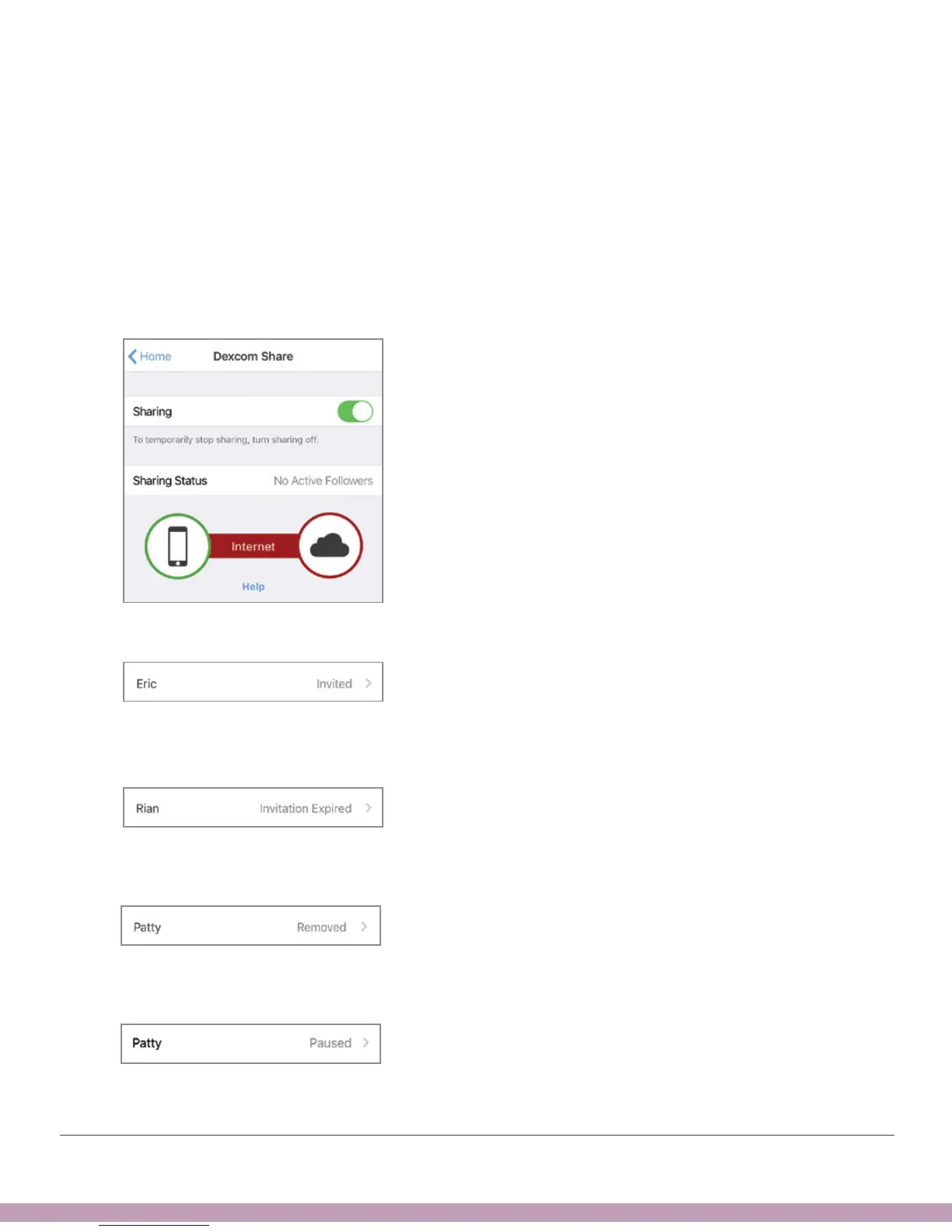
No Active Followers Status
Problem
• No Followers accepted your invitation or you haven’t invited anyone
Solution
• If you invited a Follower, ask them to look for your invitation email
Share App
If the invitation expired, re-invite them by tapping Add Follower (see Chapter 12).
If they stopped following you, their status shows Removed.
If you turn off sharing for a Follower, their status shows Paused.



 To Next Page