Dexcom G6
®
System User Guide
68Chapter 5: Set Up Your Display Devices
Receiver: Setup
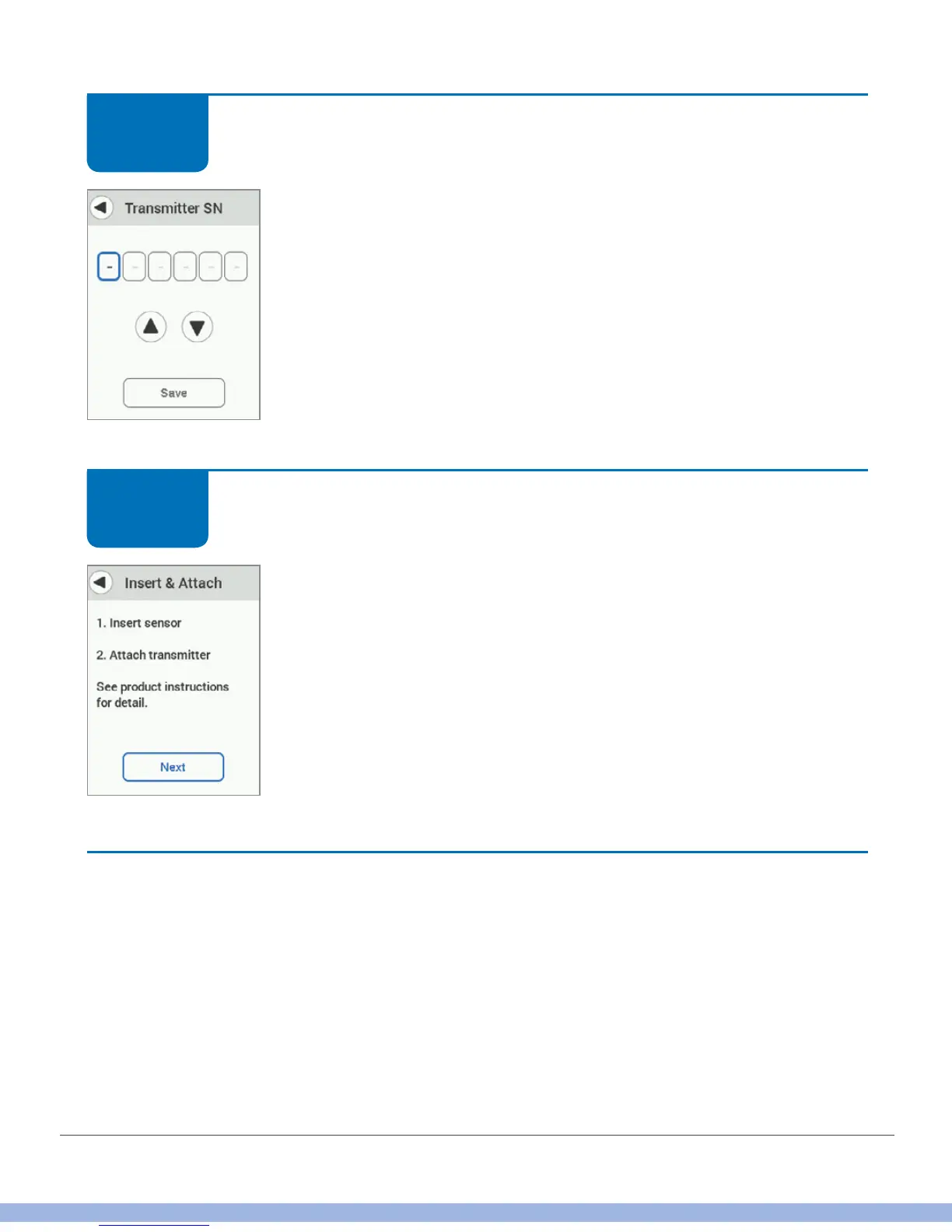
Enter your transmitter SN by tapping the up/down arrows.
Tap Save.
Receiver: Setup
Go to Chapter 6, for step-by-step instructions on inserting your
sensor and attaching, your transmitter, pairing your transmitter to
your display device, and starting your sensor.
Finished!
STEP
10 of 11
STEP
11 of 11



 To Next Page