Dexcom G6
®
System User Guide
87Chapter 6: Start Your Sensor
App: Pair and Start Sensor
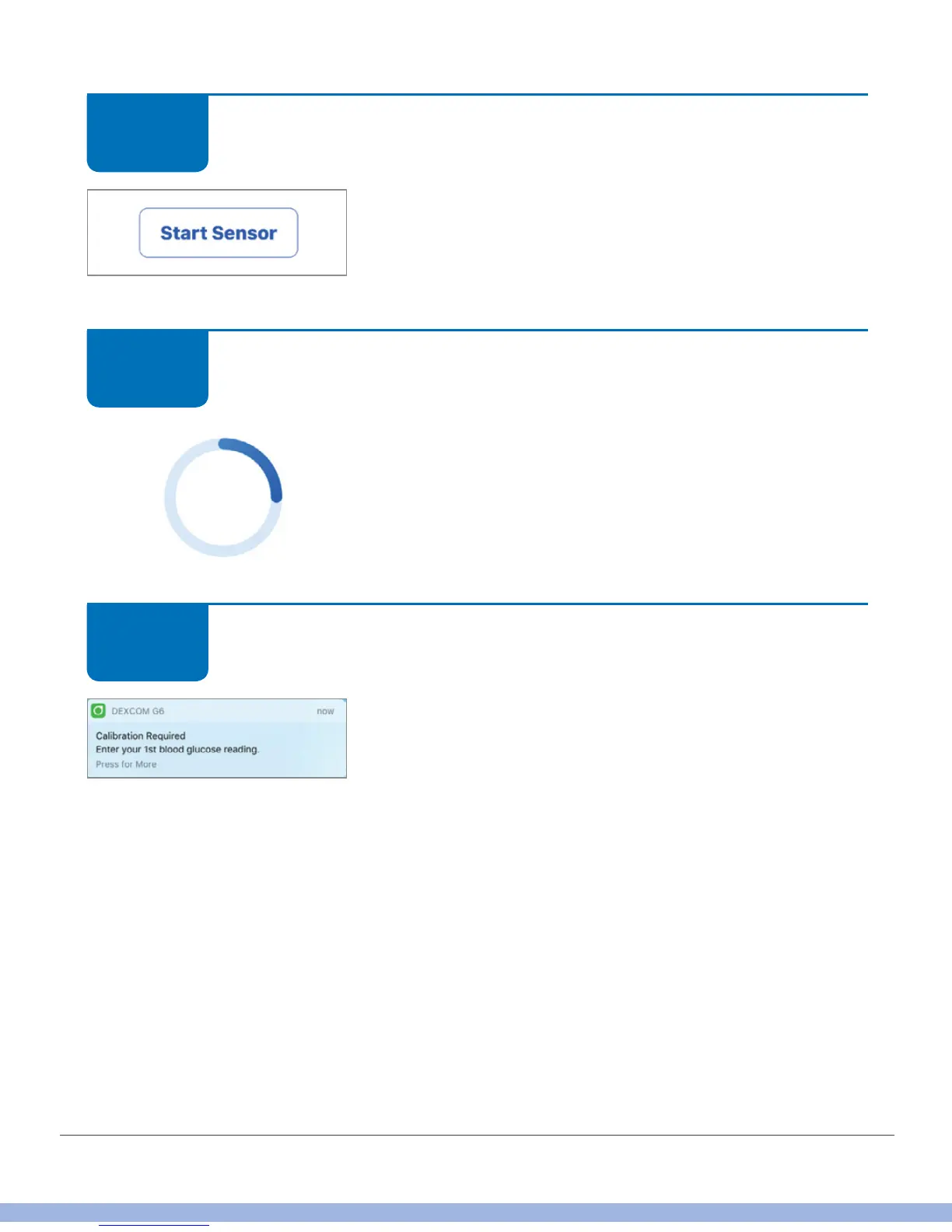
Tap Start Sensor to start your 2-hour sensor warmup.
You won’t get alarm/alerts or G6 readings during sensor
warmup. Use your meter when making a treatment
decision during warmup.
App: Pair and Start Sensor
Wait.
Screen provides countdown to sensor warmup. The
ring darkens as the countdown moves forward.
Keep smart device within 20 feet of transmitter during
the sensor warmup period.
App: Pair and Start Sensor
If you didn’t enter a sensor code during setup, once
your 2-hour warmup is complete, you’ll be prompted to
calibrate twice. See Chapter 7 to learn the best way to
calibrate
STEP
2 of 5
STEP
3 of 5
STEP
4 of 5



 To Next Page