Dexcom G6
®
System User Guide
89Chapter 6: Start Your Sensor
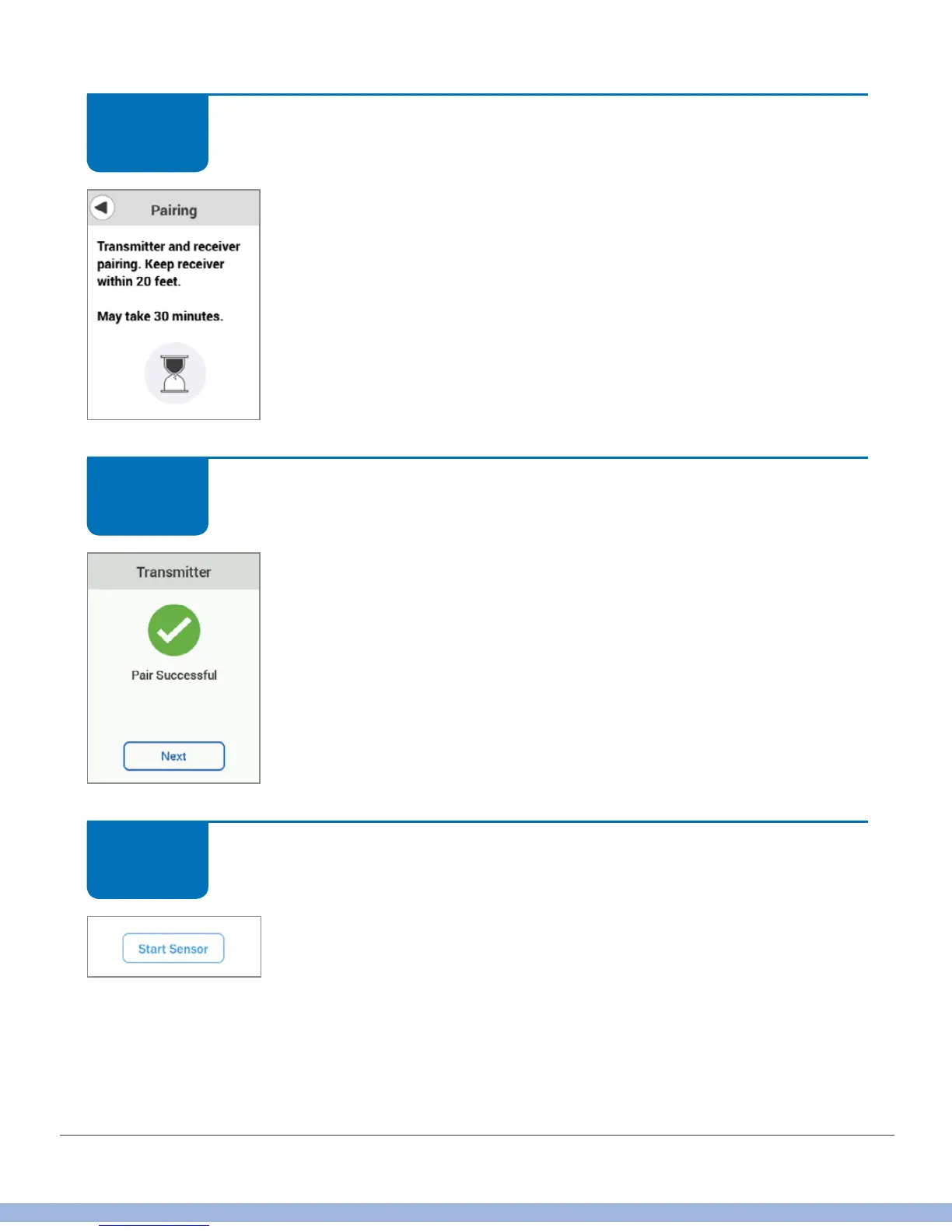
Receiver: Pair and Start Sensor
After attaching your transmitter, pairing is automatic, just wait for
confirmation.
Receiver: Pair and Start Sensor
Your transmitter and receiver can communicate now! You may
need to unlock your screen. If so, tap 1, then 2.
Receiver: Pair and Start Sensor
Tap Start Sensor.
This starts the 2-hour sensor warmup.
STEP
2 of 6
STEP
3 of 6
STEP
4 of 6



 To Next Page