OPERATOR’S MANUAL
PM200, 200E and 250 Planter Monitors
11001-1444-200702
SECURITY / 15
SECURITY
Security features allow password protection that prevents unauthorized
personnel from modifying key parameters in the field.
IMPORTANT: The monitor is locked at the factory. Prior to using the
monitor, the system MUST be unlocked via the
Password screen before all other screens can be
accessed.
UNLOCK THE PASSWORD SCREEN
1. At the Menu screen, press the Arrow keys to highlight the Security
icon.
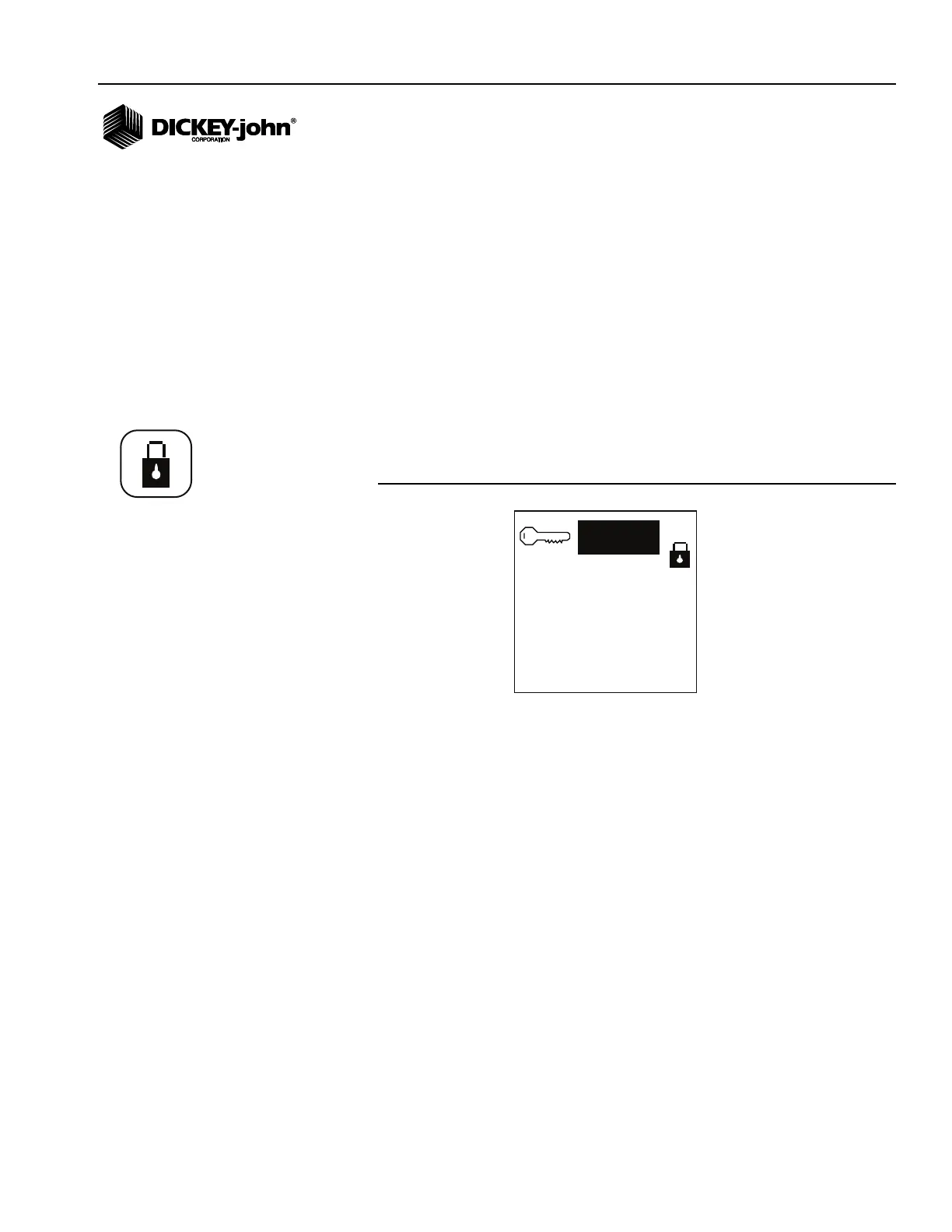
2. Press Enter to display the Current Password screen.
Figure 10
Current Password Screen
3. Press Enter again to enter the default password.
– PM200 default password is 5498
– PM200E default password is 9270
– PM250 default password is 1735
Use the Up and Down Arrow keys to edit the selected digit. The Up
Arrow key increases the value; the Down Arrow key decreases the
value. Use the Left and Right Arrows to move to the next digit field.
4. Press Enter to display the Change Password screen.
UNLOCK ALL SCREENS
If no screens require password protection:
1. Use the Arrow keys to highlight the Master Lock icon and press Enter,
refer to (Figure 11). Pressing and toggling the Enter key will lock and
unlock the screens.
2. Press ESC to return to the Menu screen. The Master Lock icon will
appear on the Menu screen display unlocked and no password entry
will be required to use the monitor.
Security icon



 To Next Page