OPERATOR’S MANUAL
PM200, 200E and 250 Planter Monitors
11001-1444-200702
36 / MENU SETUP SCREEN (OPTIONAL)
To Reset All Rows:
1. From the Menu screen, scroll to highlight the Seed Count icon and
press Enter to display the Seed Count screen.
2. Press the Enter key at the Reset icon to reset to zero and start seed
count.
3. Press ESC to return to the Menu screen.
NOTE: Alarms are disabled in Seed
Count mode.
Figure 26
Seed Count Reset
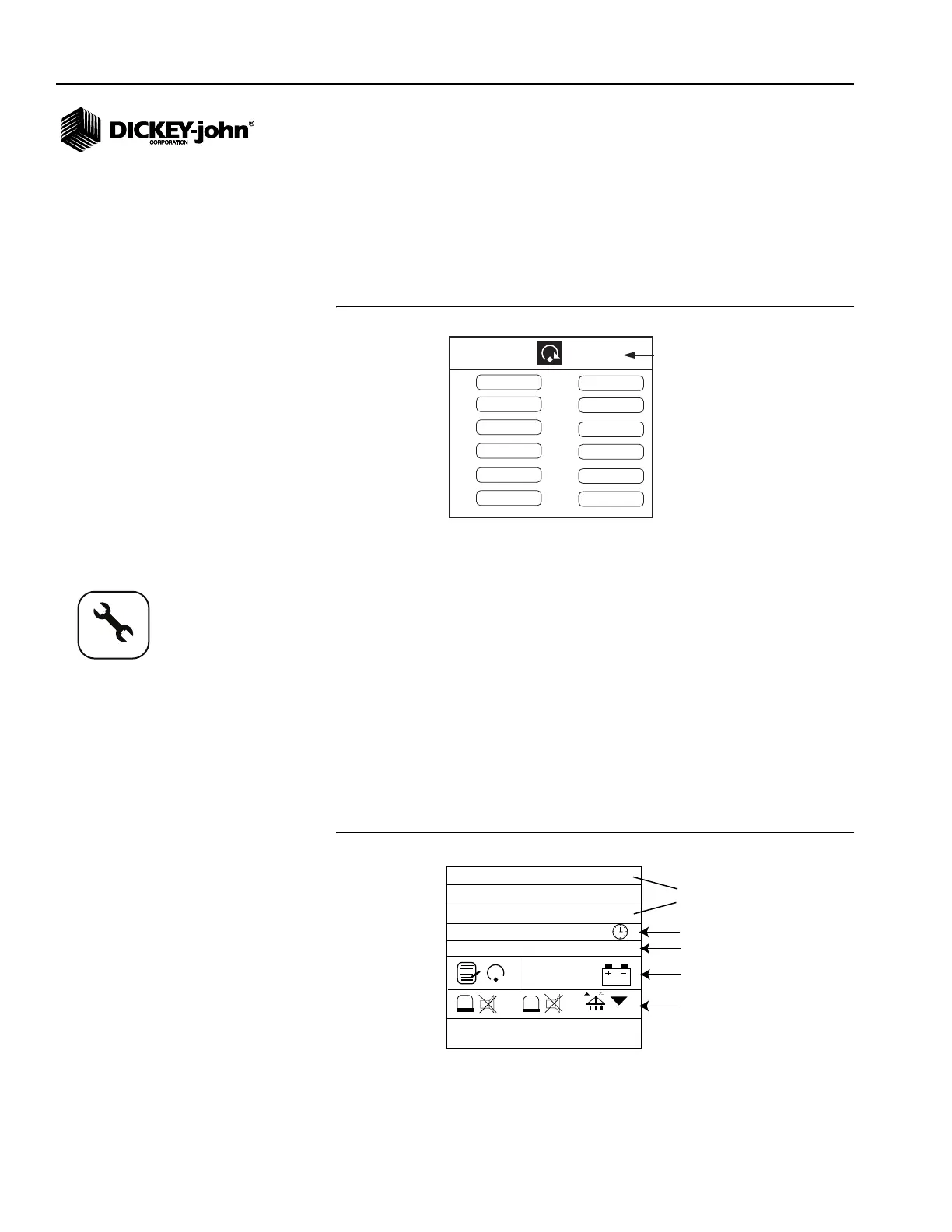
SERVICE SCREEN
The Service screen is typically used for troubleshooting purposes and
includes information regarding:
• Monitors software, hardware and model versions
• Total hours of operation
• Total acres covered
• Supply voltage to the console
• Hopper and lift switch status
To Display the Service Screen:
1. From the Menu screen, scroll to highlight the Service icon and press
Enter to display the Service screen.
Figure 27
Service Screen
1
2
3
4
5
6
7
8
9
10
11
12
9,521
9,521
9,521
9,521
9,521
9,521
9,521
9,521
9,521
9,521
9,521
9,521
Reset option
PM250
M: 00.05 07022611
B: 00.00 07021614
PM250: 007
25.7
ac
12.8
1
2
Total hours of
operation
Total acres
covered
Hardware and
software versions
Supply
voltage
Hopper Level 1
and 2 sensor
status
Lift switch
status
H: 1
418.61
11033-0594
Service icon



 To Next Page