OPERATOR’S MANUAL
PM200, 200E and 250 Planter Monitors
11001-1444-200702
ADDITIONAL MONITOR FEATURES / 28
MANUAL GROUND SPEED SETUP
NOTE: To verify ground speed
accuracy, check that the mph
line on the Operate screen
matches the tractor
speedometer.
A manual ground speed value (PM250 models) should only be entered
when the ground speed sensor or tractor radar has failed and no ground
speed input is available. This allows for a “limp home” mode to continue
calculating population.
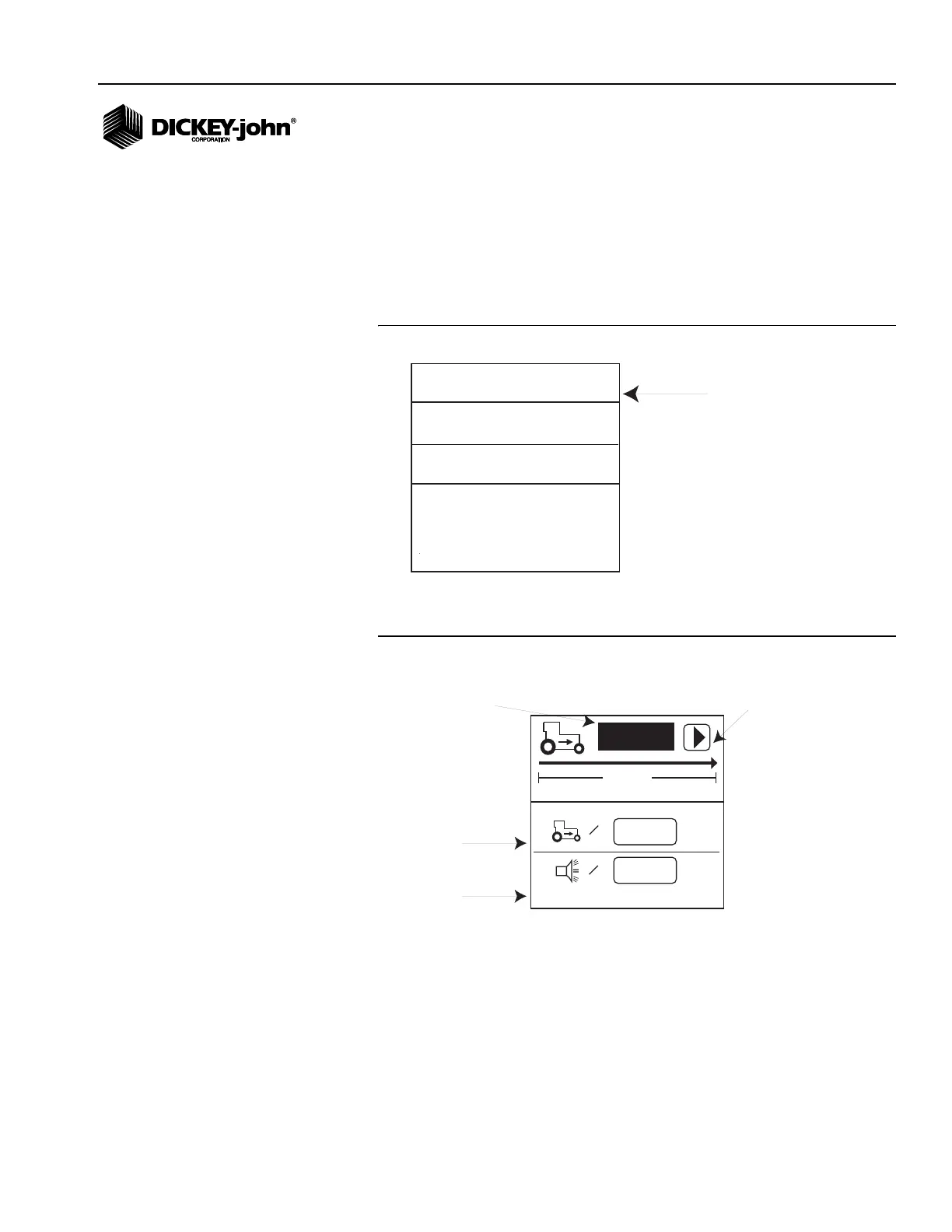
1. From the Operate screen, scroll to the ground speed function line.
Figure 19
Speed Function Line (Operate Screen)
2. Press Enter to display the Ground Speed Configuration screen.
Figure 20
Ground Speed Configuration Screen
3. Highlight the manual ground speed value and press Enter.
4. Use the Left and Right Arrow keys to select a digit to change. Use the
Up and Down Arrow keys to enter a value.
5. Press the Enter key to accept the new number.
Any non-zero value will activate manual ground speed. Set manual ground
speed to zero to disable.
1
7
2
8
3
9
4
10
5
11
6
12
MENU
mph
s/ac
Ground Speed Function Line
(Text Mode)
6096
0.0
mph
400ft
=
0.0
mph
=
PM250
Manual ground
speed (optional)
Maximum speed
alarm (optional)
# of pulses in 400 ft
Start symbol (will
change to Stop
symbol when test
begins)



 To Next Page