OPERATOR’S MANUAL
PM200, 200E and 250 Planter Monitors
11001-1444-200702
20 / QUICK START GUIDE
GROUND SPEED CONFIGURATION
PM200 AND 250
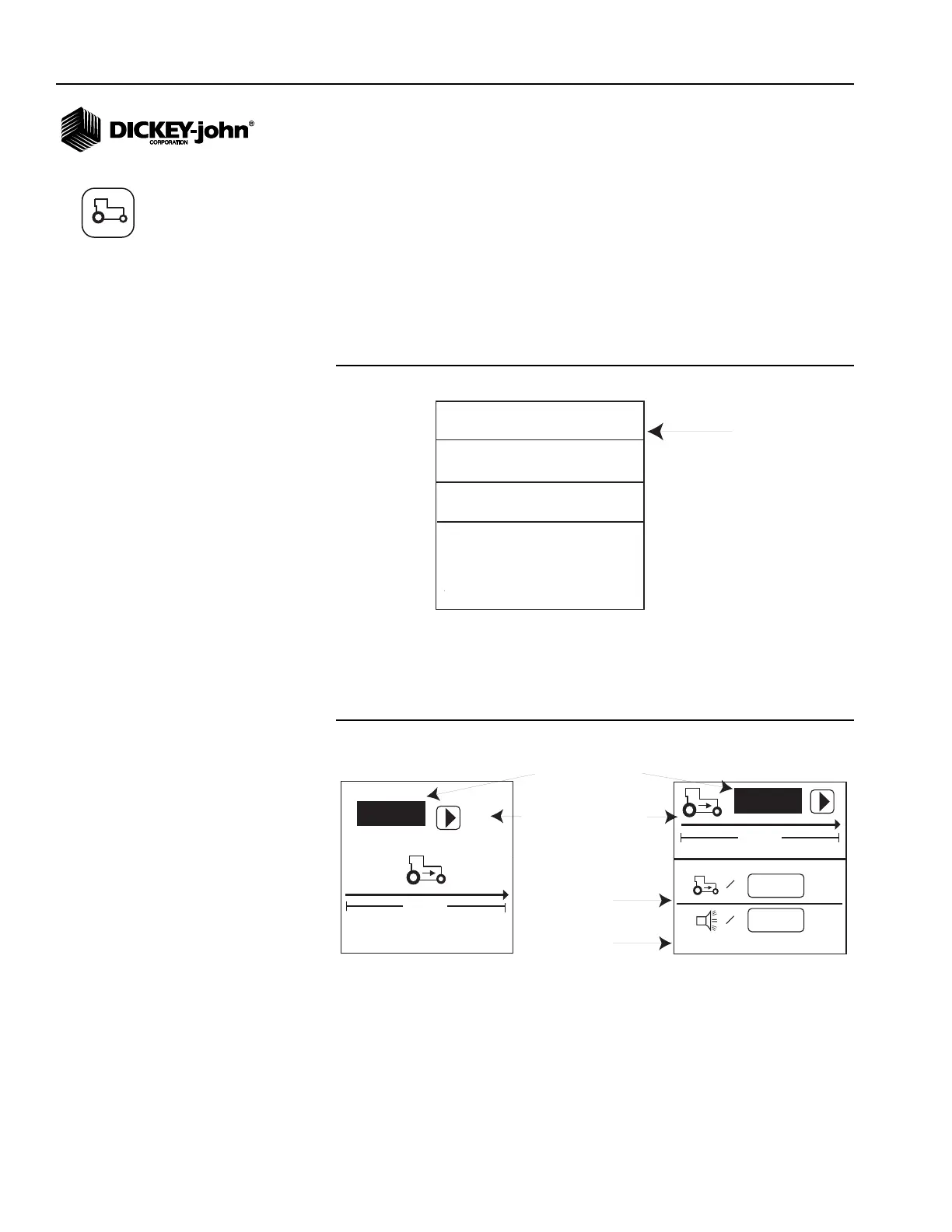
PM200 and 250 accesses Ground Speed Configuration from the Main
Operate screen only as shown in (Figure 13).
To access the Ground Speed Configuration screen from the Main
Operate screen:
1. Scroll to the mph function line.
Figure 13
Ground Speed Function Line (Operate Screen)
2. With the mph function line highlighted, press Enter to display the
Ground Speed Configuration screen.
NOTE: Manual ground speed and
maximum speed alarm options
are available on the PM250 and
can be used when a ground
speed sensor or tractor radar
has failed in the field and no
ground speed input is available.
Refer to the Additional Setup
Features section for
information.
Figure 14
Ground Speed Configuration Screen
PM200E
PM200E accesses Ground Speed Configuration from the Menu screen only.
1
7
2
8
3
9
4
10
5
11
6
12
MENU
mph
s/ac
Ground Speed Function Line
(Text Mode)
PM200 and 250
6096
0.0
mph
400ft
=
0.0
mph
=
PM250
Manual ground speed
(optional)
Maximum speed
alarm (optional)
6096
400 ft
PM200 and 200E
# of pulses in 400 ft
Start symbol (will change
to Stop symbol when test
begins
Ground Speed icon



 To Next Page