OPERATOR’S MANUAL
PM200, 200E and 250 Planter Monitors
11001-1444-200702
ADDITIONAL MONITOR FEATURES / 31
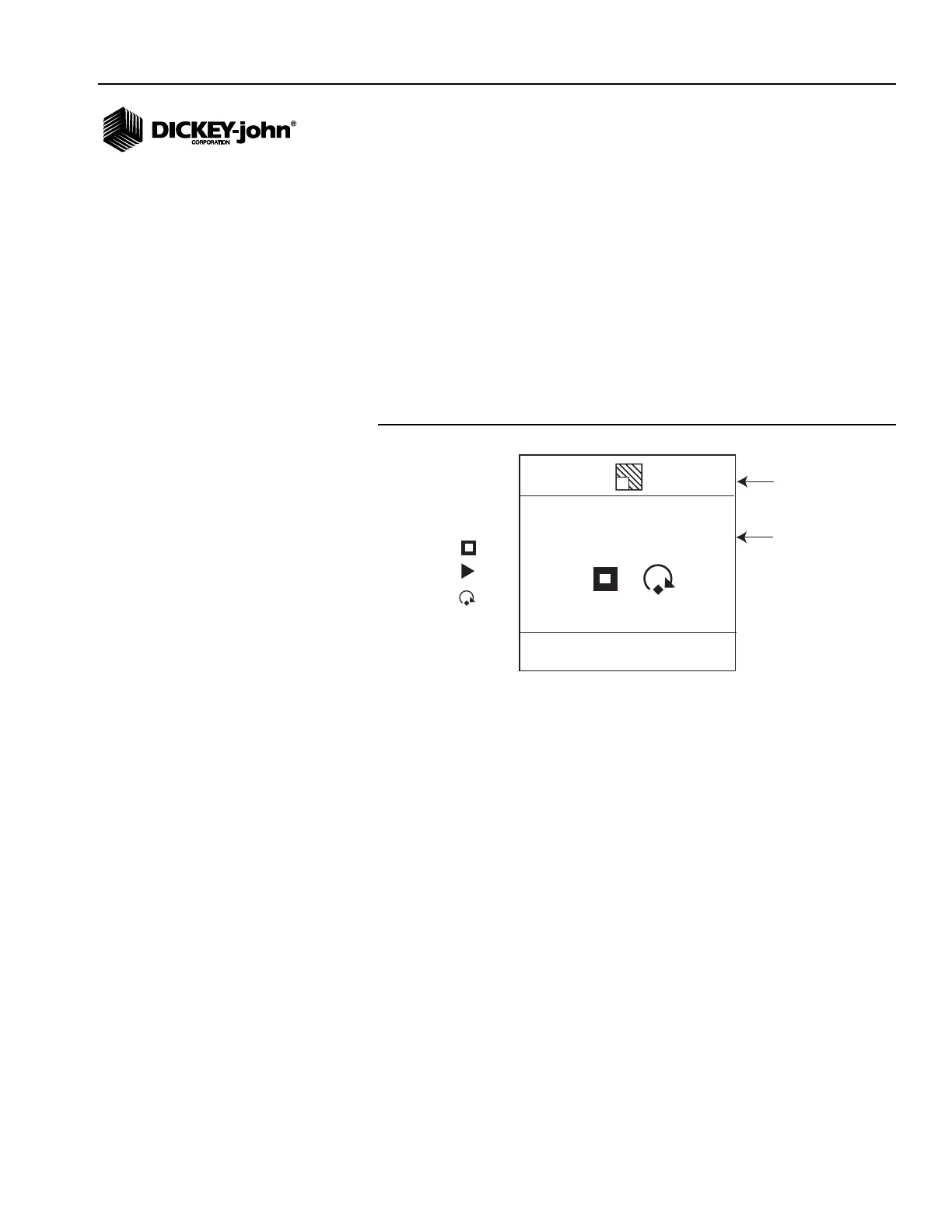
AREA ACCUMULATOR SCREEN (PM200 AND 250)
The PM200 and 250 have an Area Accumulator screen that allows manual
start and stop of accumulation and can be used when a Lift Switch is not
installed.
1. From the Main Operate screen, highlight the Area Accumulator
function line (ac1, ac2, ac3) and press Enter.
2. To clear an accumulation, highlight the reset counter icon and press
Enter. To start an accumulation, highlight the Start/Stop icon and press
Enter. When the accumulator is running, the Start icon will change to a
Stop icon.
3. To stop an accumulation, press Enter. The Stop icon will change to a
Start icon.
Figure 22
Area Accumulator Screen
1
17.2
Field Area
Reset
Counter
Stop
START/STOP
AREA 1
Start
Area
Accumulator



 To Next Page