OPERATOR’S MANUAL
PM200, 200E and 250 Planter Monitors
11001-1444-200702
INTRODUCTION / 7
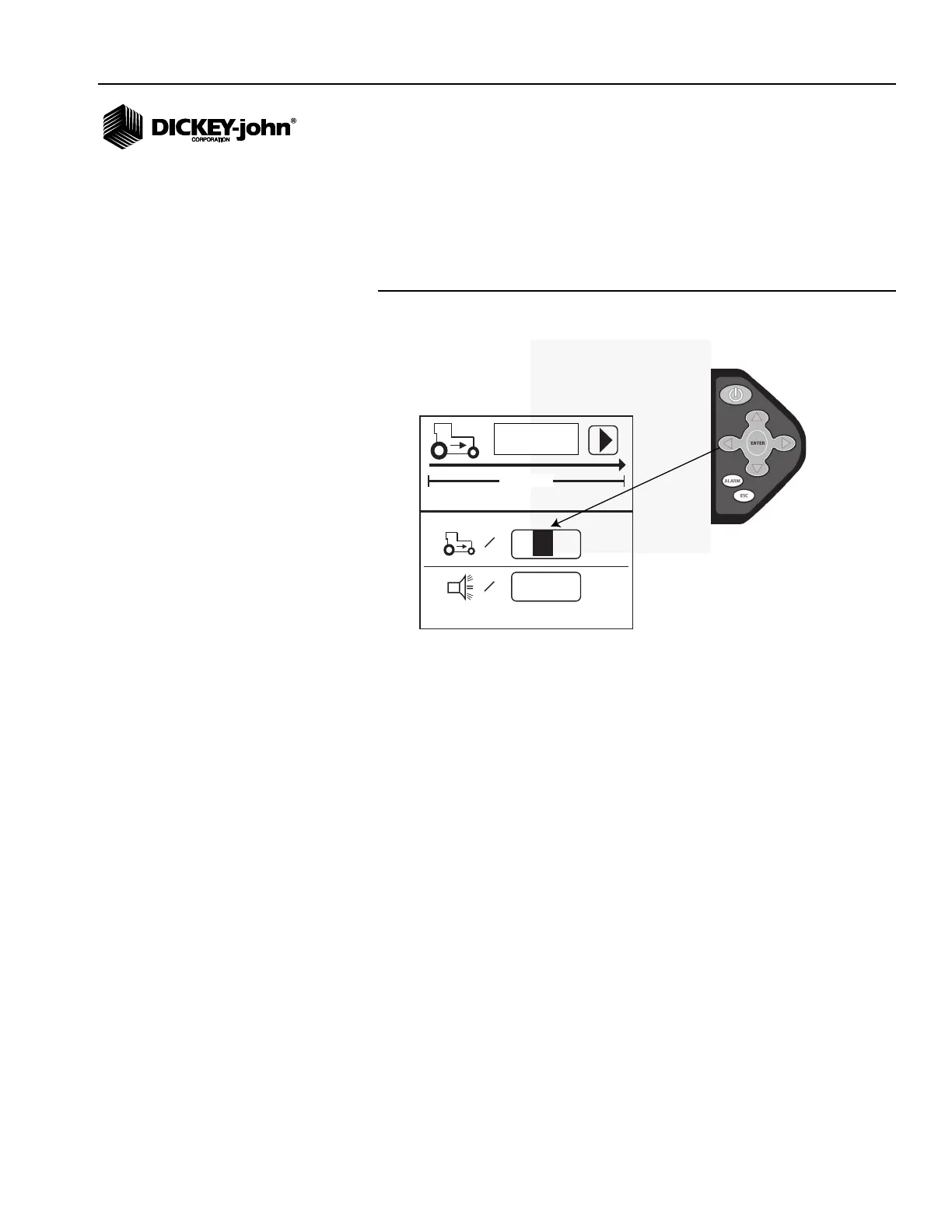
KEYPAD/DISPLAY NAVIGATION
The term “highlight” used throughout the manual refers to selecting a digit to
change on the various screens by using keys on the keypad. Pressing
Enter allows the “highlighted” value to be changed by using the arrow keys.
Pressing Enter again accepts the new value.
Figure 3
Keypad/Display Navigation
6096
00.0
mph
400ft
=
0.0
mph
=
Highlight a value or input box to change by
using the arrow keys on the keypad.
Press Enter and use the arrow keys
to modify the digit. Press Enter
again to save the new value.



 To Next Page