OPERATOR’S MANUAL
PM200, 200E and 250 Planter Monitors
11001-1444-200702
MAIN OPERATE SCREEN / 23
MAIN OPERATE SCREEN
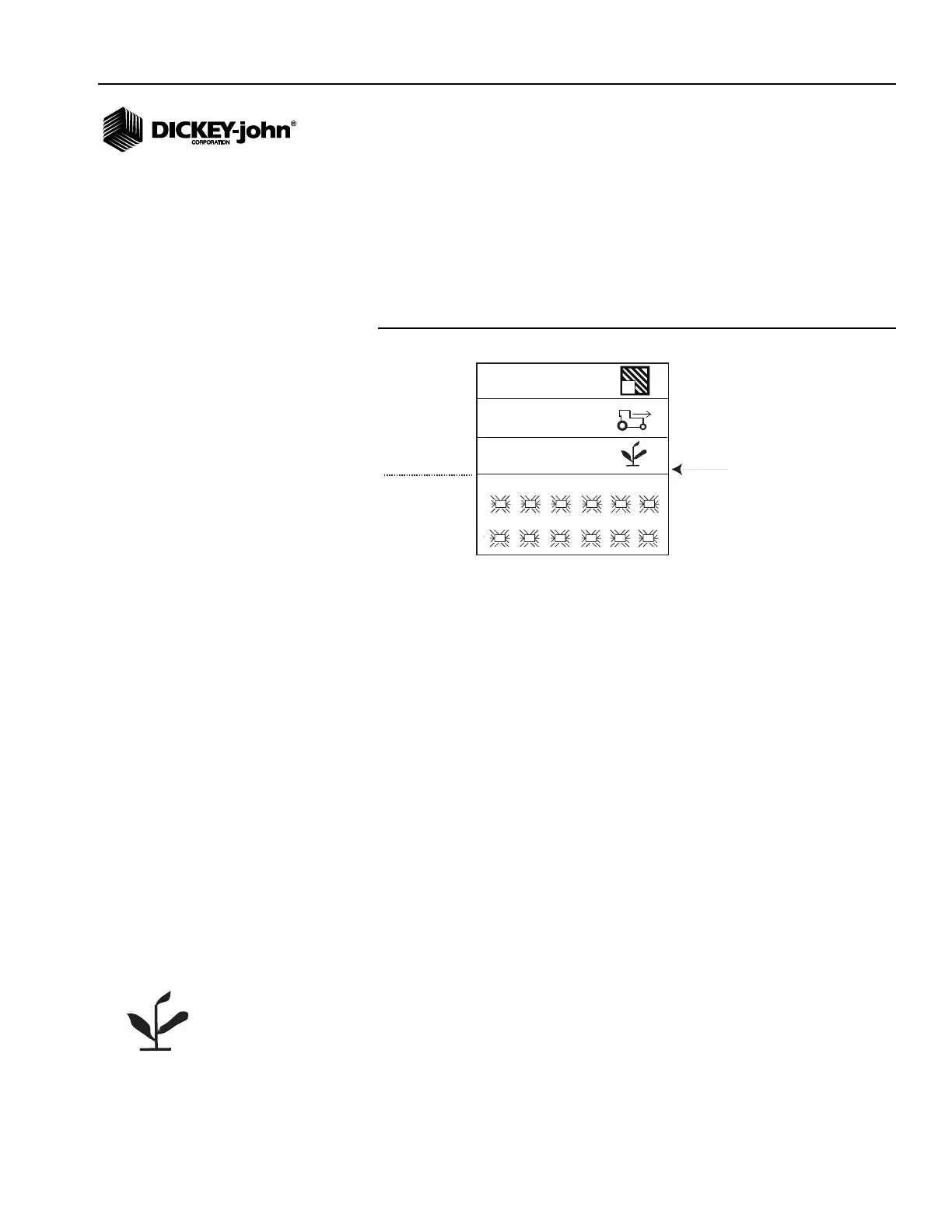
The Main Operate screen is the primary screen that displays while planting
and is divided into two categories:
• Upper
•Lower
Figure 16
Operate Screen
UPPER DISPLAY
The Upper display indicates 2 planting readouts (PM200 and PM200E) or
three planting readouts (PM250) at a time. The screen will always default to
ground speed (mph or Km/h), field 1 area accumulator (ac1/ha1) and
population (PM250 only) (s/ac or s/ha) when turned on.
Using the Up and Down Arrow keys will cycle through to other available
screens:
•Menu
• Total Area (ac3/ha3)
• Field Area 2 (ac2/ha2)
The display can be customized to select units of measurement,
backlighting, alarm volume, and graphic or text icons. Refer to the Menu
Setup (Optional) section for instructions.
AVAILABLE PLANTING READOUTS
AVERAGE POPULATION
Average Population displays the average of the planter's rows that are
configured for population in thousands of seeds per acre (s/ac) or
thousands of seeds per hectare (s/ha). The population response rate and
population adjustment can be modified on the Population Setup screen
(PM250). This function can be with a symbol or text depending on the text/
graphic setting.
1
7
2
8
3
9
4
10
5
11
6
12
33.1
5.4
27.3
1
Population function line PM250 only)
(text (s/ac) or (s/ha))
Upper
Lower
PM250



 To Next Page