OPERATOR’S MANUAL
PM200, 200E and 250 Planter Monitors
11001-1444-200702
ADDITIONAL MONITOR FEATURES / 25
ADDITIONAL MONITOR FEATURES
Additional monitor features enhance planting operation that include:
• Population Limits (Hi and Low)
• Manual Ground Speed
• Field Area 1 Accumulation
• Field Area 2 Accumulation
• Field Area 3 Total Area Accumulation
POPULATION LIMITS
Inputs available to monitor population during planting:
• Hi and low population limits (PM200, PM200E,PM250)
• Target population (PM250)
• Population adjustment (PM250)
• Population filter (PM250)
To Enter Population Constants:
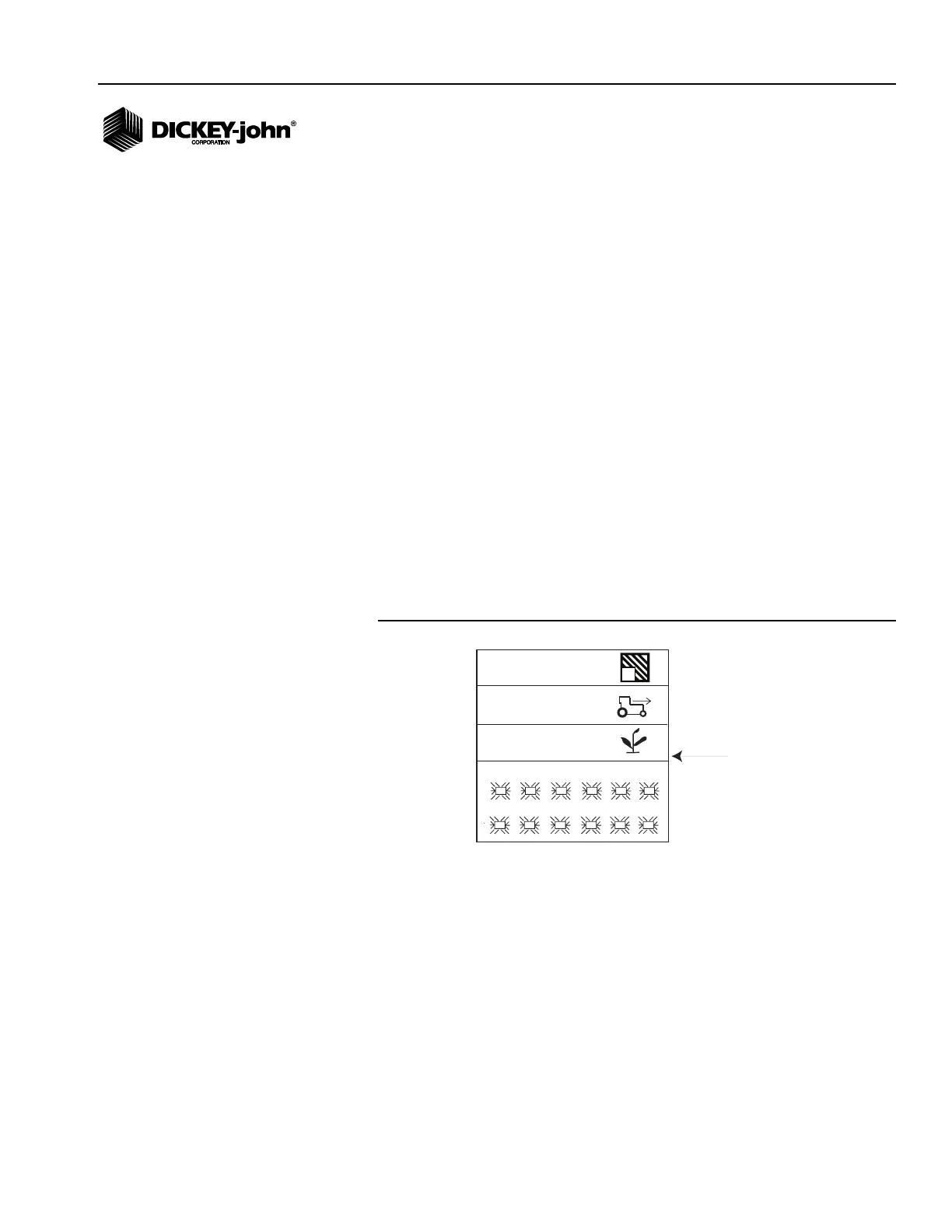
1. From the Operate screen, scroll to the Population function line (s/ac or
s/ha) and press Enter to access the Population screen.
Figure 17
Population Function Line
2. At the population screen, refer to (Figure 18), press the Enter key at
the input box to select a value to change. The Up Arrow key increases
the value; the Down Arrow key decreases the value.
3. Press Enter to accept the selection.
1
7
2
8
3
9
4
10
5
11
6
12
33.1
5.4
27.3
1
Population function line
(text (s/ac) or (s/ha))
PM250



 To Next Page