OPERATOR’S MANUAL
PM200, 200E and 250 Planter Monitors
11001-1444-200702
30 / ADDITIONAL MONITOR FEATURES
AREA ACCUMULATORS
NOTE: Alarms are disabled in these
modes.
Area Accumulators can be used for planting and non-planting operations to
start, stop, or clear accumulations for three independent areas (Field Area
1, Field Area 2, and Total Area).
PLANTING
To accumulate area in a planting mode, the following conditions must occur:
1. Ground speed is greater than zero (0);
2. Seed flow is present;
3. Lift switch, if used, is in down position (implement lowered);
4. Implement width is greater than zero (0) at the Planter Configuration
screen.
If any of the above conditions are not true, accumulators will stop.
IMPORTANT: Accumulators can be cleared by highlighting an Area
Counter on the Main Operate screen and pressing the
ESC key for 3 seconds.
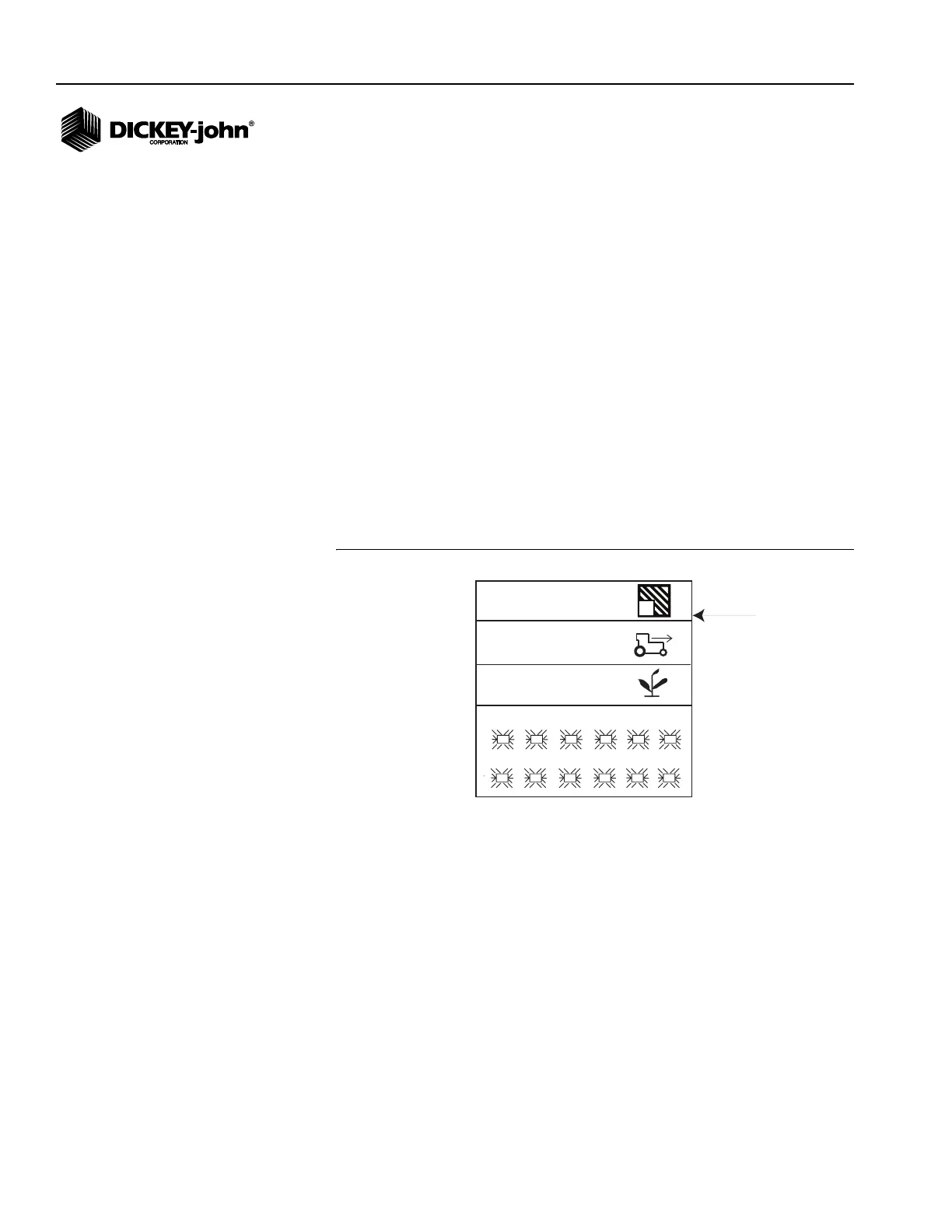
Figure 21
Area Accumulator Function Line
NON-PLANTING
To accumulate area in a non-planting mode, seed sensor harnessing must
be disconnected and the following conditions occur:
NOTE: PM200E model requires a lift
switch in non-planting
operations to accurately
monitor acre accumulators for
acreage monitoring. PM200
and 250 models do not require
a lift switch as the start and stop
functions can be performed on
the Area Accumulator screen.
1. When the Lift Switch is in the down position (implement lowered) and;
2. Ground speed is greater than zero (0).
If any of the above conditions are not true, accumulators will stop.
IMPORTANT: There will be no ground speed failure alarms when
accumulating area in a non-planting condition.
1
7
2
8
3
9
4
10
5
11
6
12
33.1
5.4
27.3
1
Function line
Text mode (ac1 or ha1)
PM250



 To Next Page