DIESTRO 103APV4R ELECTROLYTE ANALYZER
37 JS Medicina Electrónica
7. SAVED RESULTS
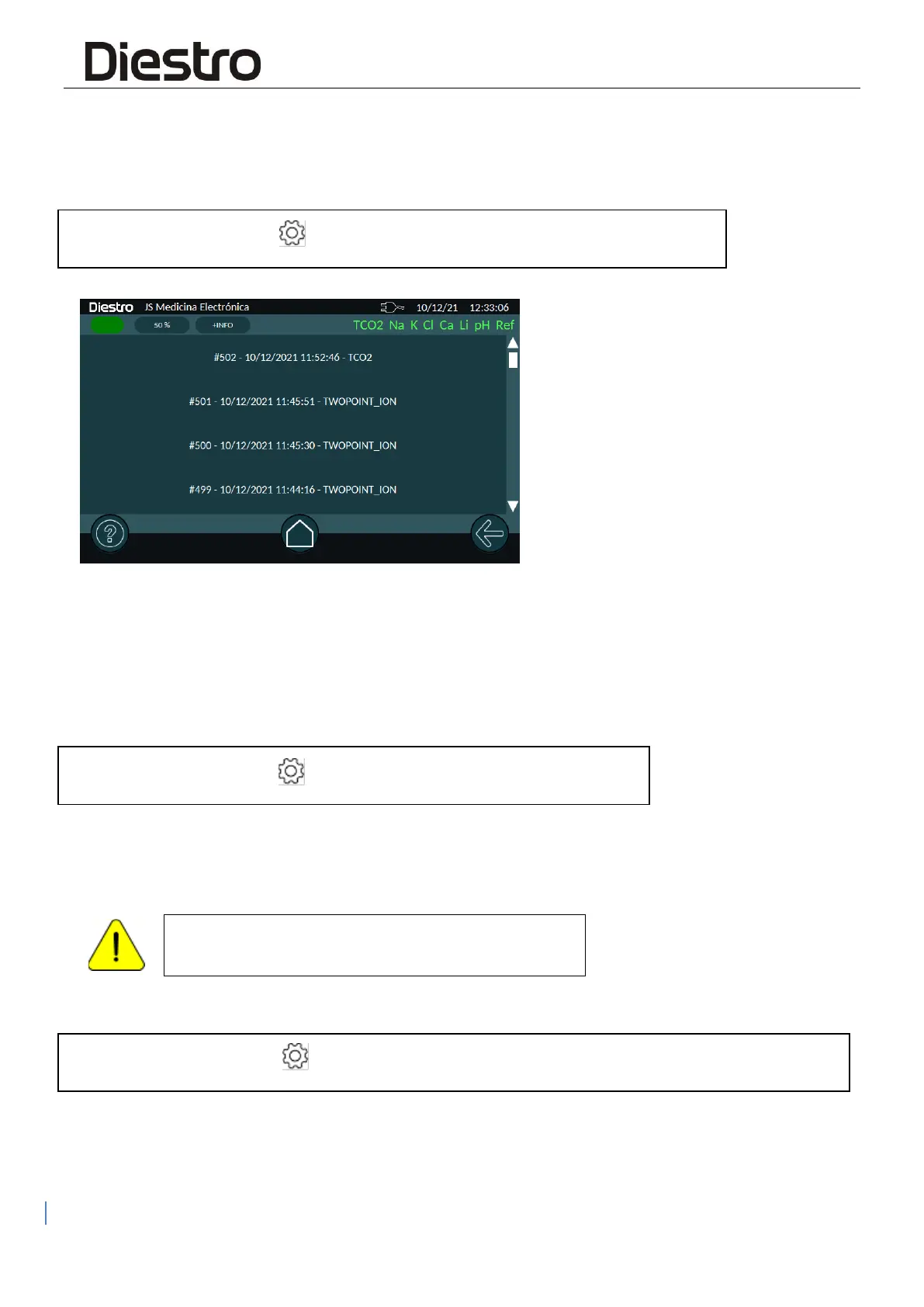
The analyzer saves all the calibrations. To read them, navigate to the Calibration Memory
window.
Route: "HOME" screen → → Memory → Calibration Memory
By clicking on an item in the list, you can access the results of the calibration you want to
view. From there you can also print that result.
8. CALIBRATION OPTIONS
To access the options, navigate to the Calibration Options menu
Route: "HOME" screen → → Calibration → Options
8.1 Enabling / Disabling Electrodes - Units
The electrodes connected to the Analyzer can be enabled or disabled.
Disabling an Electrode implies that it will not be
calibrated nor measured.
To access this menu, navigate to:
Route: "HOME" screen → → Configuration → Enable/disable Electrodes and unit selection
or press on the electrode status bar (from any navigation location)


 To Next Page