UTM-00339 | Rev 19
Page 101 of 253
DetNet South Africa Copyright © 2021
When tagging by following a plan, the user is expected to follow the path determined by a
row or a tagging path (ViewShot 3D).
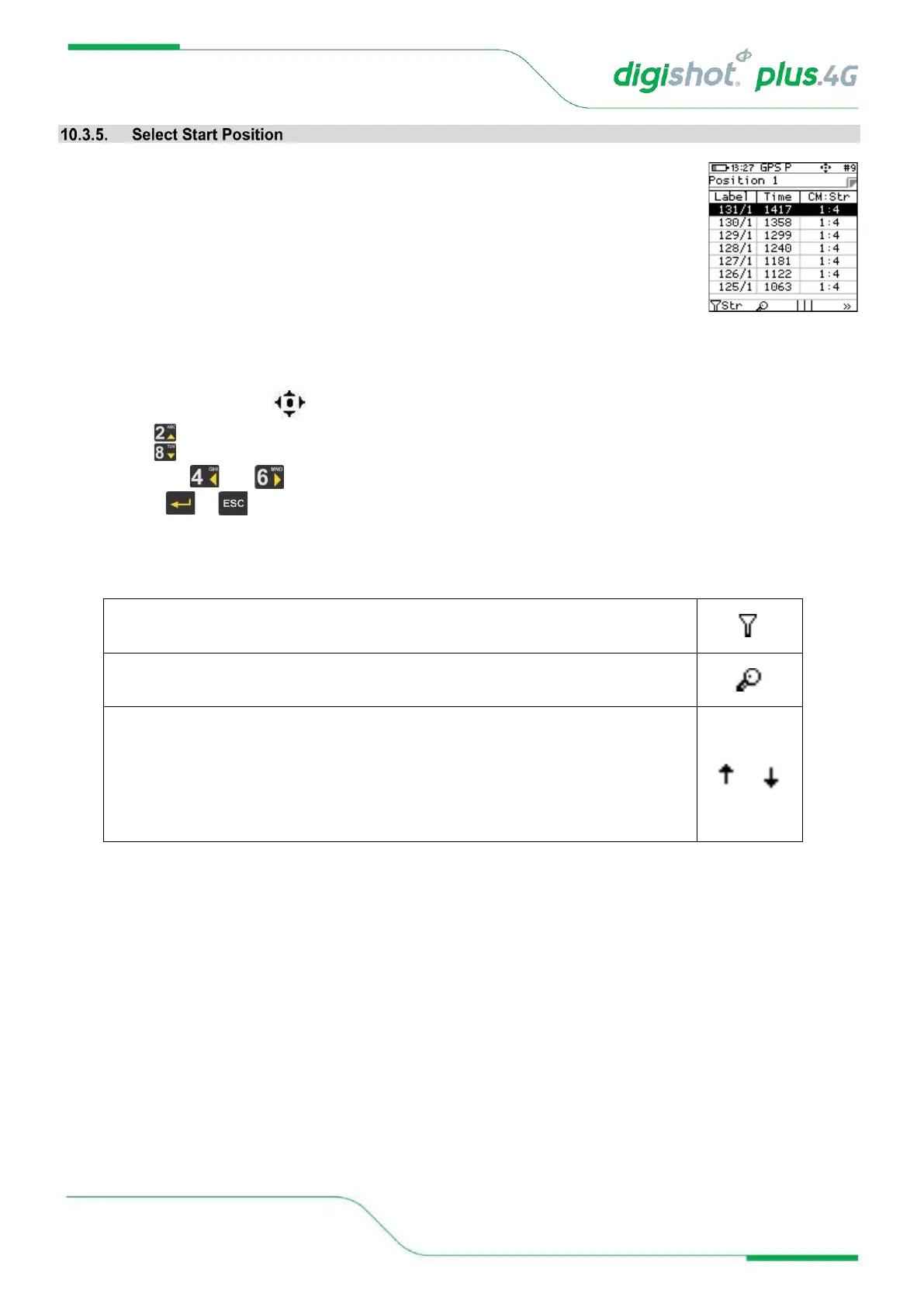
To allow the user to select a starting position / Row, Hole and Det number, the planned list
is displayed.
Only the remaining (untagged) positions will be displayed in this list.
The screen presented here can also be recalled in the Tagging screen / configuration
SoftKey.
The user will be prompted to select the starting position from the list. Only the detonator
situated at the top position in the list can be selected.
Selection in a list is displayed as white text on black background
The keyboard mapping mode at the top of the screen indicates navigation by arrows.
• Use keys to navigate by one up/down.
• Use keys and to navigate to previous/next page (6 locations displayed per page).
• Press or key once the selected position is made to return to tagging screen.
Table 6: CE4 Tagger SoftKey Icons – Select Position
Sort in Tag order:
TagPath Forward (according to Tag path), TagPath Reversed (starting at the end of
the string), Acending (starting at the lowest hole number and tagging forward in
sequencial hole numbers) or Decending (starting at the highest hole number and
tagging backwards in sequencial hole numbers) .



 To Next Page