EasyManua.ls Logo

DigiShot plus.4G - Page 163

Default Icon
253 pages
Print Icon
To Next Page IconTo Next Page
To Previous Page IconTo Previous Page
Loading...
UTM-00339 | Rev 19
Page 163 of 253
DetNet South Africa Copyright © 2021
Item
#
Description
Detail
Indication
Icon
Options / Variants /
Description
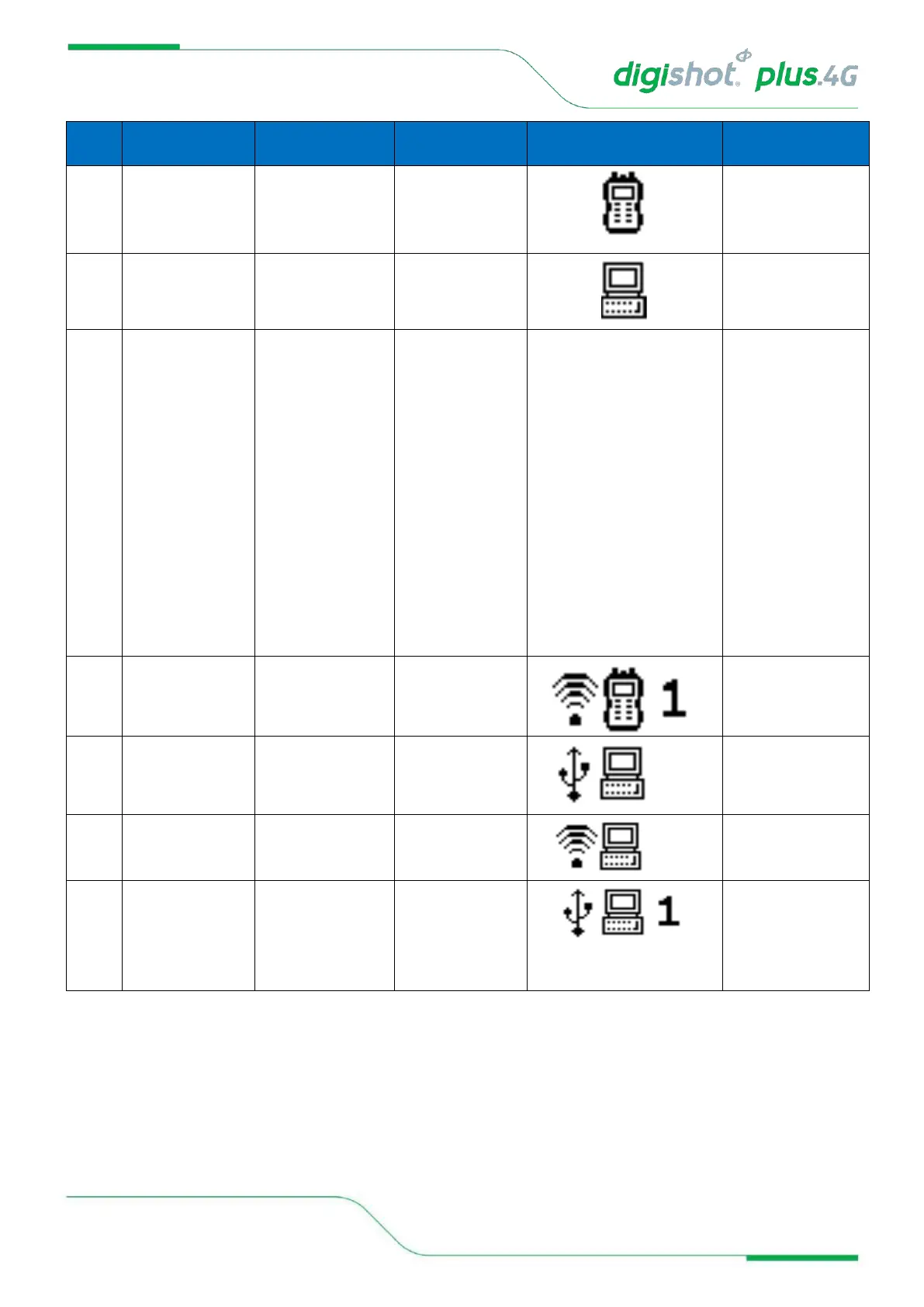
2.2
Type of device
connected to
Indicates the type of
device the DigiShot
®
Plus 4G Commander
is connected to.
Connected to CE4
Tagger
Connected to PC
2.3
CE4 Tagger ID to
which the
Commander is
connected to
Indicates the CE4
Tagger ID to which
the Commander is
connected to.
CE4 Tagger
connections to
Commander is always
via Wi-Fi.
Whenever a non-zero
value is indicated
here, that value
represents an active
Wi-Fi connection to
the relevant CE4
Tagger.
CE4 Tagger ID
connected to
1…10
2.4
Possible connection
combinations
Wi-Fi and USB
connections, and
combinations thereof.
CE4 Tagger ID 1
connected via Wi-Fi
PC connected via
USB
PC connected via
Wi-Fi
PC connected via
USB
AND
CE4 Tagger ID 1
connected via Wi-Fi